What are the top AI platforms for converting documents into courses?
Tools like Coassemble show what happens when document conversion is built for real workflows. Knowledge moves from files into courses, without forcing teams to replace their existing LMS or processes.
Most teams don’t struggle with course creation. They struggle with documents.
Important knowledge lives in PDFs, Word files, and PowerPoint presentations. Policies get skimmed once, then forgotten, while slide decks explain things briefly and disappear.
Over time, valuable training materials pile up without becoming a usable course. The information exists, but it stays static and hard to apply.
AI platforms for converting documents into courses aim to change that. These tools use artificial intelligence to transform existing documents into structured lessons with interactive elements.
This guide explores how that process works across different document types and real team workflows.
You’ll learn:
- How AI turns existing content into online courses
- Which AI tools handle each document type best
- Where human expertise still matters before launch
What are AI platforms for converting documents into courses?
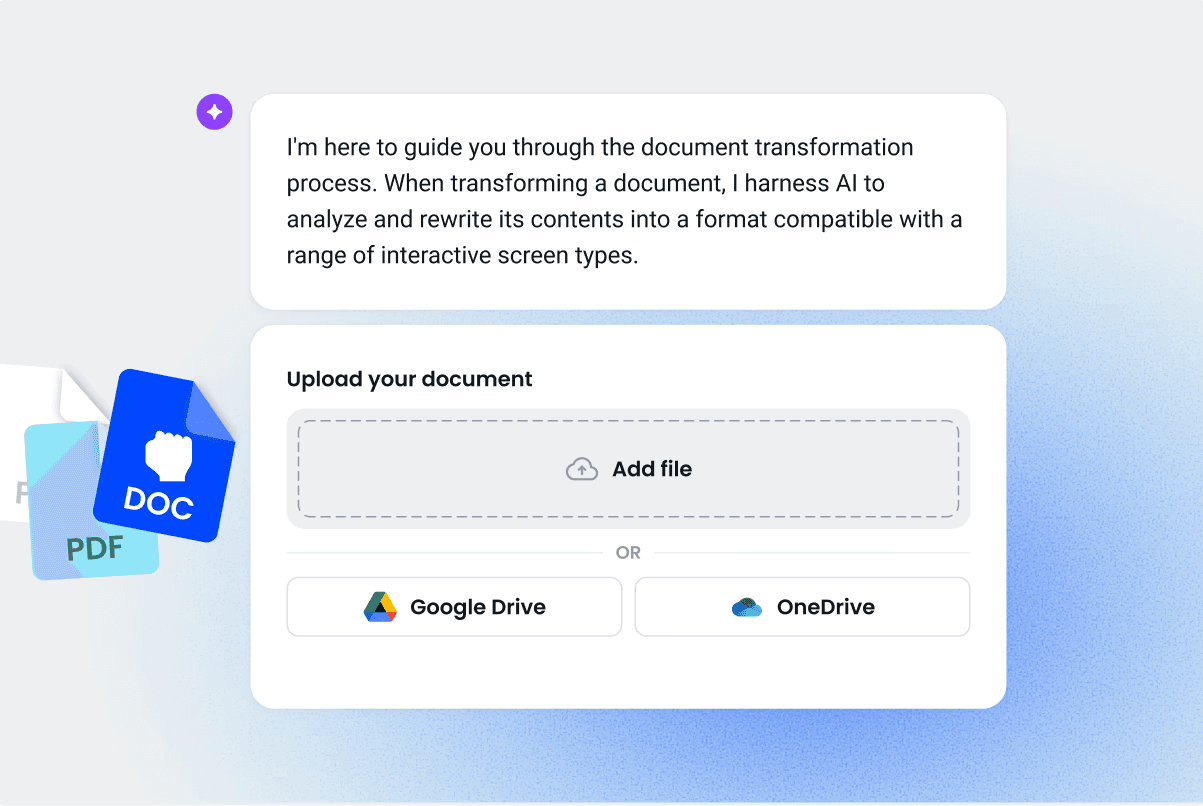
At a basic level, these platforms take existing documents and reshape them into structured training courses.
AI doesn’t just copy content into a new format. It analyzes structure, identifies key ideas, and organizes material into a logical course flow.
For example, a PDF or Word doc onboarding checklist can be transformed into a structured onboarding course. Each checklist item becomes a short lesson, then shared in Slack as guided training instead of a static file.
Most platforms also include AI features like lesson generation, assessment creation, and interactive quizzes. Some also support training videos, design elements, and drag-and-drop editors for quick refinement.
What separates stronger tools from basic converters is flexibility. The best platforms let teams adjust course structure, review AI-generated content, and apply human oversight before publishing.
Learn how AI-powered training compares to traditional LMS.
Top AI platforms for converting documents into courses
Not all AI course creators approach document conversion the same way. Some focus on academic use. Others lean toward marketing tools or training businesses. A few are built specifically to help teams turn internal documents into structured training courses.
The platforms below are grouped by practical fit, starting with tools designed for fast, accessible document-to-course conversion. Each option is evaluated based on how well it handles real documents, supports course creation, and fits existing workflows.
1. Coassemble: Best for mid-market teams who need free, fast document conversion
Coassemble transforms trapped knowledge in documents into interactive training. Teams upload PDFs, Word files, or PowerPoint presentations and get structured courses with AI-generated content, video integration through Loom, and AI narration. No technical expertise or design skills needed.
Key features
- Convert existing documents into a complete course with a clear course structure and structured lessons
- AI assistant generates course content, interactive quizzes, and assessment generation aligned to learning objectives
- Review and refine AI-generated content in a drag-and-drop editor with human oversight
- Publish training by link, embed in team tools like Slack, or export to existing learning management systems
Pricing
- Free sandbox to build and test a real course on the full platform at no cost (a quick check confirms it's a fit)
- Paid plans start from $2,500/year and unlock advanced AI features, branding, and team insights
Example course types
- Sales enablement
- Compliance training
- Operations and process training
2. Mindgrasp: Best for individual learners and students
Mindgrasp is an AI study tool built for academic learning.
It focuses on converting lecture notes, readings, and study materials into personal learning aids. While it handles document uploads well, the platform is designed for individual use rather than creating or publishing structured training courses for organizations.
Key features
- Upload PDFs, PowerPoint presentations, videos, and links to generate AI-generated notes and summaries
- Create flashcards, interactive quizzes, and assessment-style questions for exam preparation
- Use an AI chatbot trainer to ask questions and get instant explanations from uploaded content
- Record live lectures or upload class recordings for automated note creation
- Access content through mobile apps and a Chrome extension for studying on the go
Pricing
- Free trial available
- Paid plans start at $5.99 per month, billed annually
3. Mini Course Generator: Best for lead generation and bite-sized content
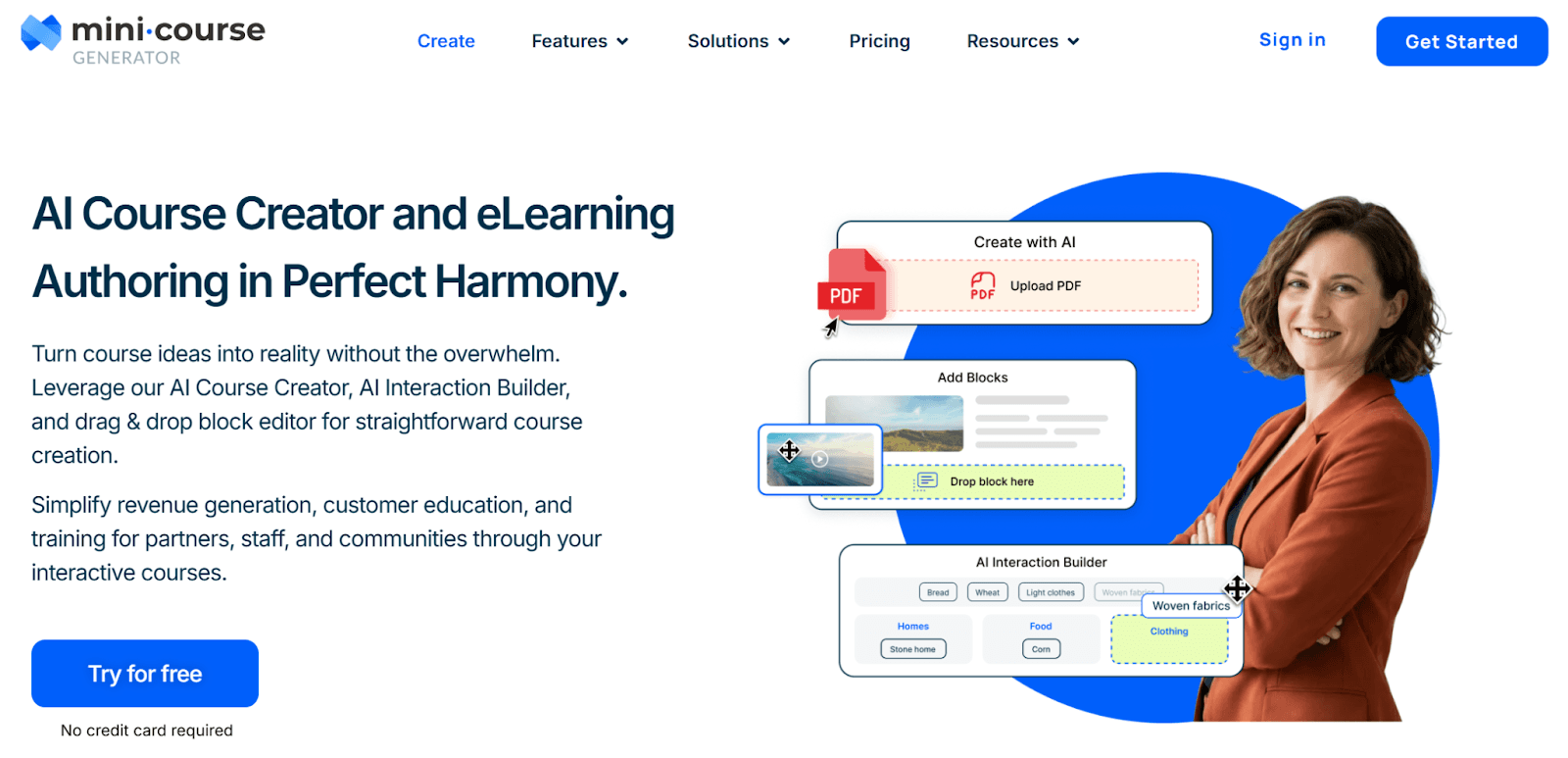
Mini Course Generator is an AI course creator built for short, interactive courses rather than full internal training programs.
It’s designed for creators, coaches, and product teams who want to publish quick learning experiences tied to revenue, onboarding, or customer education. The platform prioritizes speed and flexibility over structured training workflows for larger teams.
Key features
- Generate mini courses with AI, including course content, images, and AI-generated quizzes
- Use a drag-and-drop block editor to design pages without technical setup
- Add interactive elements using the AI interaction builder
- Combine external tools like videos, visuals, and audio into a single interactive course
- Share courses publicly, gate access, collect emails, or connect payment options
Pricing
- Free plan available
- Paid plans start at $39 per month, billed annually
4. Arlo: Best for training providers managing full business operations
Arlo is a training management system built to run the end-to-end operations of a training business.
It goes beyond course creation to handle scheduling, registrations, payments, websites, and reporting. While Arlo includes AI tools to transform existing material into eLearning, document conversion is only one part of a much broader platform focused on delivery and administration.
Key features
- Create and schedule live, online, and blended training courses
- Use AI to convert training materials into microlearning, quizzes, and interactive course content
- Automate registrations, payments, certificates, and learner communications
- Manage customer data with built-in CRM and real-time reporting
- Integrate with online learning tools, video platforms, payment providers, and marketing systems
Pricing
- 14-day free trial available
- Paid plans start at $118 per license per month, billed annually
5. Lingio: Best for frontline workers and multilingual teams
Lingio is an employee training platform designed for deskless and frontline teams.
The platform focuses on mobile-first learning, gamification, and language accessibility. Lingio uses AI to turn internal training documents into short, interactive learning games optimized for workers who train on the job, not at a desk. It’s well-suited for industries with large frontline workforces, rather than general-purpose document conversion.
Key features
- AI course creator that turns existing training materials into mobile-friendly learning games
- Gamified learning app built for frontline workers using mobile devices
- Strong multilingual and accessibility support for diverse workforces
- Tracking and coaching portal for managers to monitor progress and completion
- Designed for compliance training, safety procedures, and operational standards
Pricing
- No free plan
- Paid plans start at $416 per month, billed annually
6. Coursebox: Best for large teams and high-volume training
Coursebox is an AI-powered platform built to generate and deliver interactive training at scale.
It combines document-to-course conversion with advanced AI features like video generation, chatbots, and assessments. While Coursebox supports converting existing documents into courses, it is designed for organizations that need high-volume content production, white labeling, and broad learner distribution.
Key features
- Convert documents, slides, videos, and links into complete courses with lessons and interactions
- Generate AI training videos, quizzes, assessments, and chatbot support
- Build interactive course content using flipcards, drag-and-drop activities, and media embeds
- White-label courses, mobile apps, and learner portals with full branding control
- Export courses to SCORM or LTI, embed on websites, or share by link
Pricing
- Free plan available
- Paid plans start at €13 per month, billed annually
7. JollyDeck: Best for fast, high-end eLearning authoring
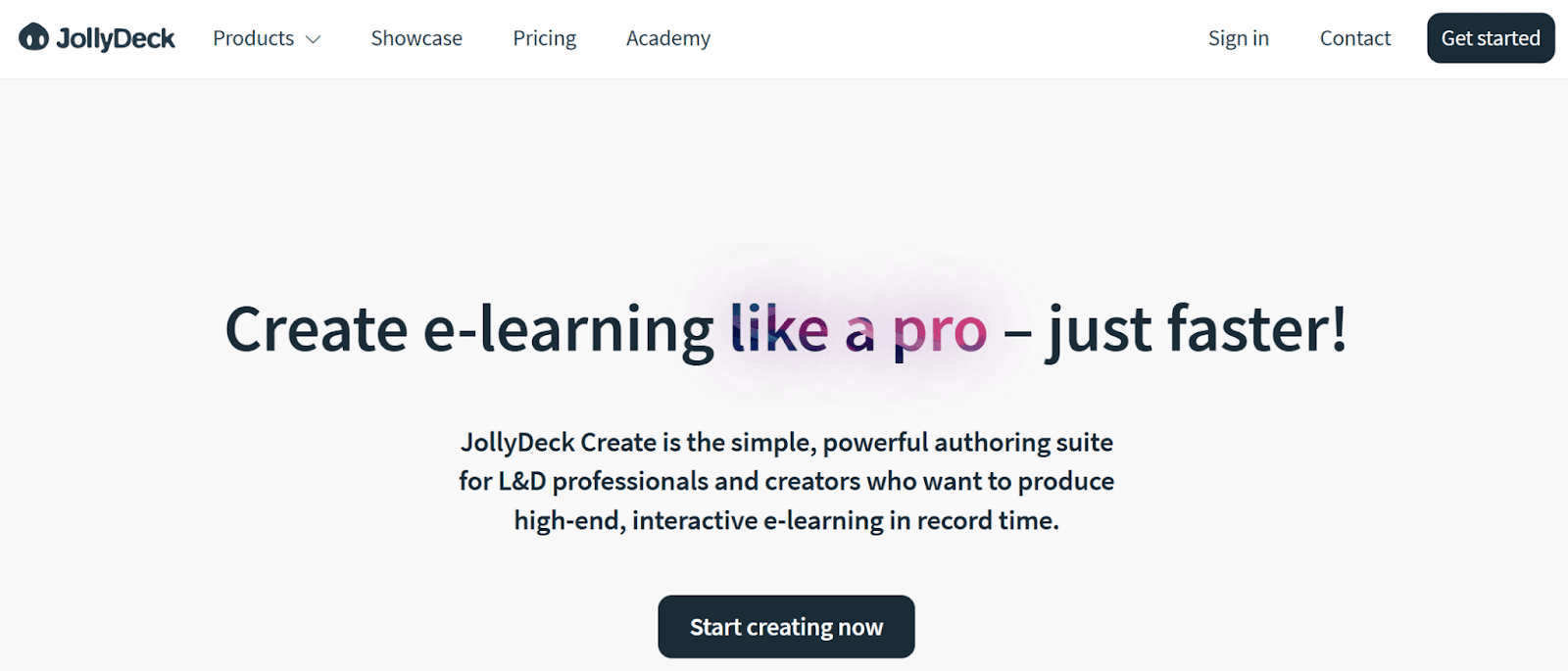
JollyDeck is an eLearning authoring tool built for creating polished, interactive courses from existing documents.
It’s designed for L&D professionals and course creators who want more control over layout, interactions, and visual design. JollyDeck converts PowerPoint presentations, PDFs, and Word documents into interactive courses, then layers in AI support for narration, translation, and content refinement.
Key features
- Convert Word documents, PowerPoint presentations, and PDFs into interactive course content
- Add narration with built-in text-to-speech and optional AI-generated videos
- Use a rapid authoring environment with templates, interactive elements, and media libraries
- Translate course content into multiple languages using an AI copilot
- Publish by link, embed on websites, or export courses as SCORM for LMS delivery
Pricing
- Free plan available with limits on projects, publishing options, and AI usage
- Paid plans start at $26 per month, billed annually
Each of these platforms can convert documents into courses. The difference shows up after the first draft.
AI handles speed and structure well, but effective training still depends on how teams guide the output. The jump from converted content to usable training happens in the details. That’s where review, interaction, and upkeep matter most.
This is where best practices make the difference.
Best practices when turning documents into courses
AI can accelerate course creation, but it doesn’t replace human expertise.
The strongest results come from combining AI-generated content with human oversight. Documents become a starting point, not the finished product. These practices help turn converted material into effective training courses.
This is especially important for new topics. For example, a course on Generative Engine Optimization (GEO) can be tricky, as it’s a fairly new concept for marketers. Make sure that someone who is an expert in the topic reviews the final course before launching it.
Start with your best-structured documents first
Files with clear headings, logical sections, and defined key concepts produce better course structure. Short paragraphs and consistent formatting translate cleanly into structured lessons. Dense text blocks or heavily visual files usually need more refinement.
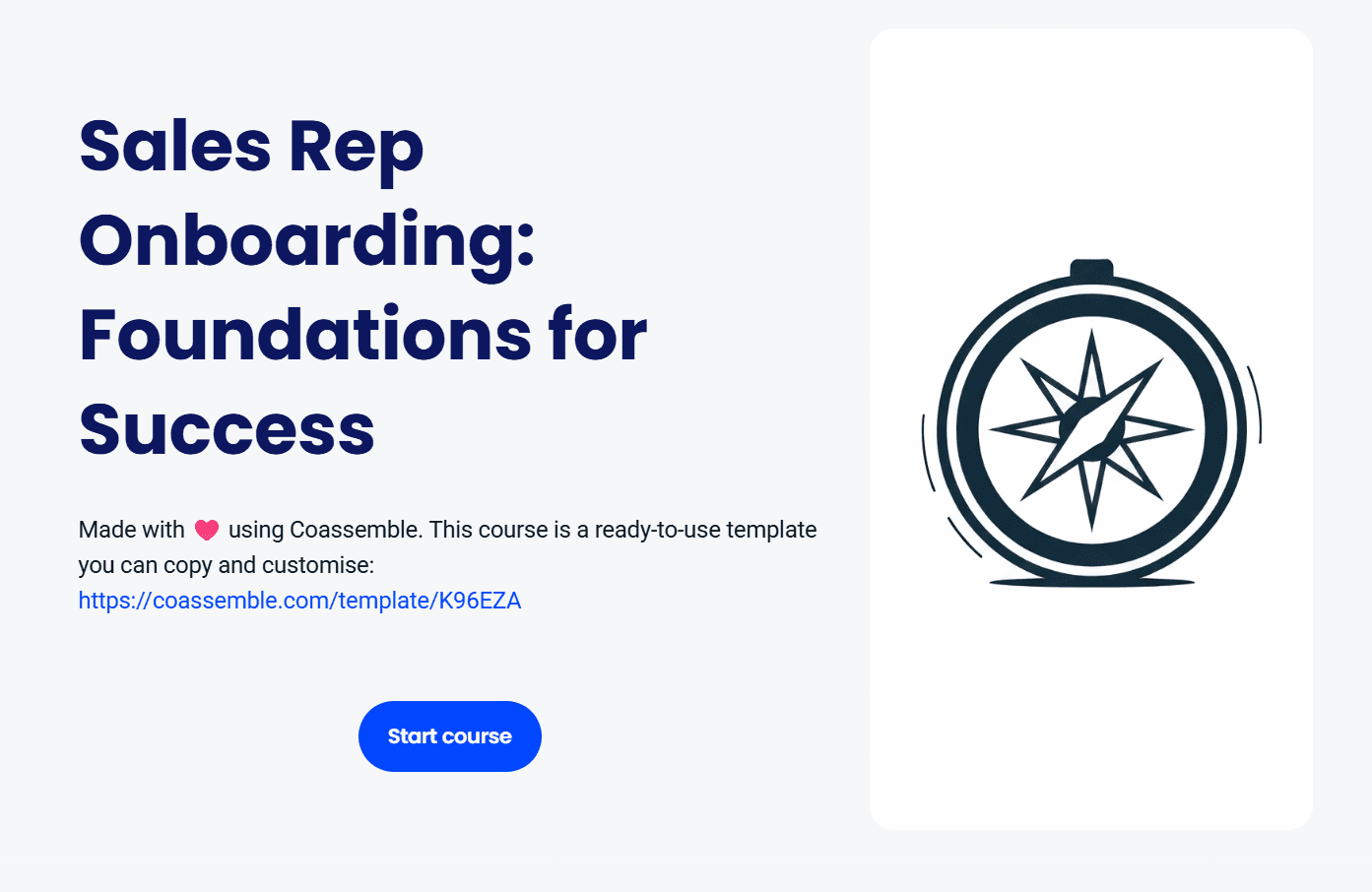
For example, this sales onboarding course uses images, emojis, and bullet points strategically to break down the discussion.
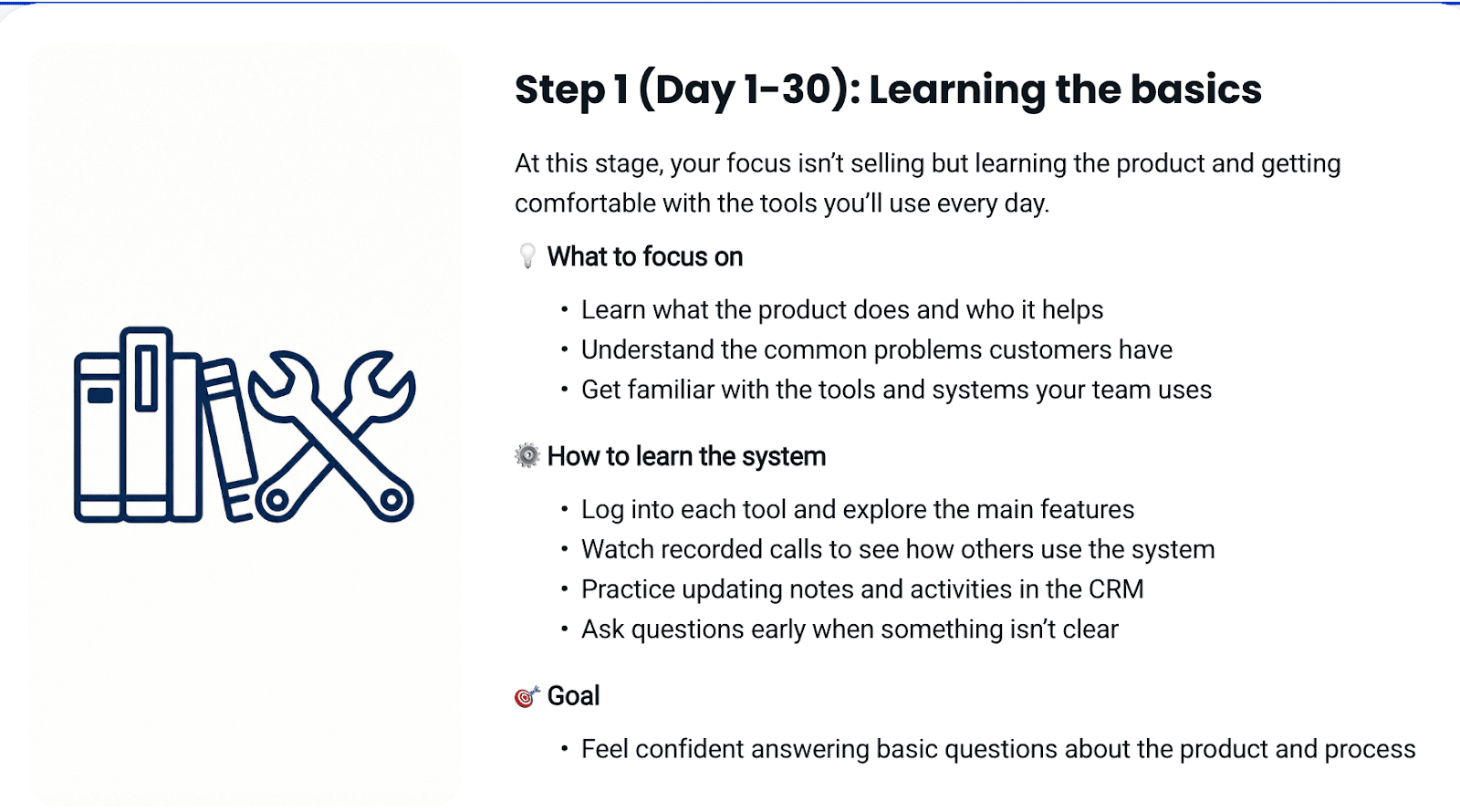
Choosing the right source document can save time across the entire creation process.
Review and refine AI-generated content for accuracy
AI-generated content still needs review before publishing.
Check facts, terminology, and tone carefully. Remove internal jargon that learners won’t recognize. Adjust examples to reflect real workflows and your preferred teaching style. This step supports quality assurance and keeps learning objectives aligned.
Human oversight ensures training stays accurate and credible.
Add interactive elements beyond the original document
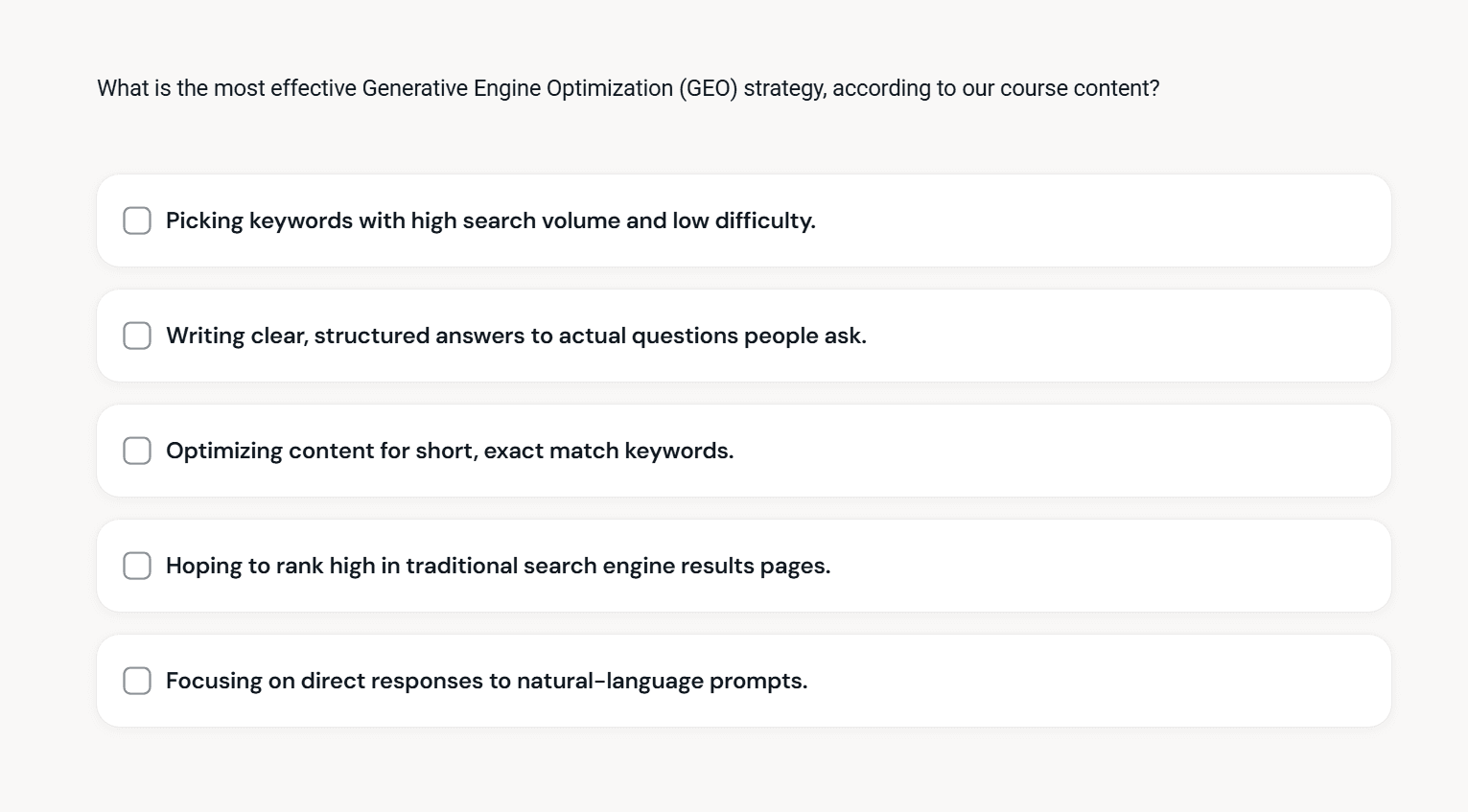
Add interactive elements like interactive quizzes, short assessments, and scenario-based questions. These help learners apply key concepts instead of just reading them. Even simple interactions improve knowledge retention and engagement.
This is what turns a converted file into an interactive course.
Keep source documents as the single source of truth
Documents change over time. Training should evolve with them.
Choose platforms that make updates easy. Re-upload revised files or sync changes without rebuilding the entire course. This approach keeps course materials aligned with existing documentation and reduces rework.
How to choose the right AI platform for document conversion
Choosing the right AI platform starts with how you plan to use it day to day. These questions help narrow the field quickly.
Consider your existing document formats
Most platforms handle PDFs and PowerPoint presentations well. Word documents can be trickier, especially with complex formatting or tracked changes. Some tools also struggle with scanned PDFs or image-heavy files.
Test conversion using real documents, like your actual policies, SOPs, or onboarding decks, not samples. A short trial can reveal whether the course structure holds up or needs heavy cleanup.
Evaluate workflow integration needs
Some teams need simple links they can share instantly. Others want to embed training in Slack or export content into an existing LMS. More advanced setups may require SCORM export or API access.
The right platform supports your delivery method without forcing a new system.
Assess team skills and available resources
If your team is small or non-technical, look for tools that guide course creation without complexity. Drag-and-drop editors, clear defaults, and simple review steps reduce friction.
Platforms built for specialists offer more control, but often demand more time and expertise.
Check pricing models and hidden limits
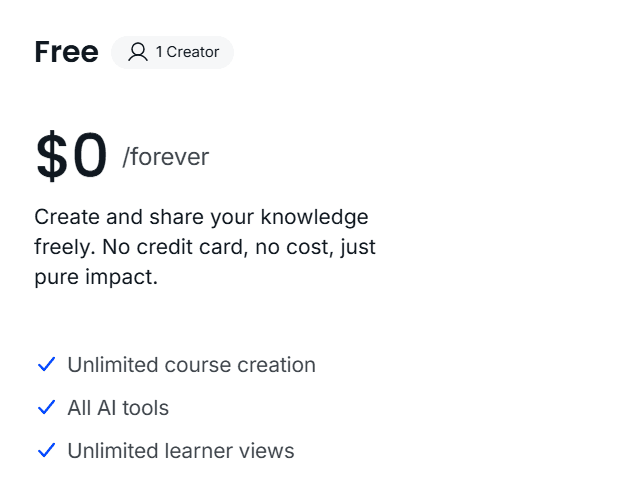
Watch for trials that require credit cards, per-learner fees that scale unpredictably, or export restrictions that lock content inside a platform. Some tools gate essential AI features behind higher tiers, making it hard to test real workflows.
Platforms like Coassemble make this step easier. Teams can request a free sandbox to upload existing documents, create courses, and test training on the full platform before committing to paid plans. That flexibility helps teams validate fit early, using real course materials instead of demos.
When pricing stays transparent, teams can focus on course creation instead of cost tradeoffs.
Wrapping up
Most teams don’t need more content. They need movement.
The knowledge already exists in existing documents, training materials, and internal documentation. AI platforms make it possible to turn that static information into structured courses faster than traditional authoring ever allowed.
Tools like Coassemble show what happens when document conversion is built for real workflows. Knowledge moves from files into courses, without forcing teams to replace their existing LMS or processes.
When training stays flexible, updates are easy. Learning experiences stay relevant. Knowledge doesn’t sit still.
That’s when training starts working.
FAQs about AI platforms for converting documents into courses
What is the AI for creating training documents?
AI tools for training documents use artificial intelligence to turn existing documents into structured courses. They analyze content, generate lessons, and add interactive elements like quizzes. Human expertise is still important for review and accuracy.
What is the AI tool for making courses?
An AI course creator helps teams create courses from documents, videos, or prompts. These tools support course creation, assessment generation, and publishing across different learning environments, including existing LMS setups.
How do you use AI to develop a course?
Start by uploading existing content like PDFs or slides. Let AI generate a draft course structure and materials. Review the AI-generated content, add interactions, and publish training once learning objectives are met.
Keep reading
What is the best embeddable training software for SaaS platforms?
Embeddable training software puts course creation, delivery, and tracking inside your product instead of a separate portal. Here's what to look for, and how the top SaaS options compare in 2026.
What is a learning infrastructure, and how is it changing?
Learning infrastructure is the systems that create, deliver, and track training. Here's what it includes, how it differs from an LMS or a learning ecosystem, and how embedded learning and AI agents are changing the model.
What training software has the best API and developer documentation?
A robust API means little if the docs are unclear or support-gated. Six practical checks for evaluating a training platform's API and developer documentation before a sales call.