Curating knowledge
eLearning voice-overs: what teams need to know
A practical guide to eLearning voice-overs. Compare professional, DIY, and AI narration for modern workplace training.

Ryan Macpherson
Dec 30, 2025
Editor:
Stephanie Chan
Training can feel polished on the surface and still fall flat the moment someone presses “Start.”
Teams feel it every day: a clear script, neat visuals, but no voice to guide the flow or hold a learner’s attention.
So people search for eLearning voice-overs. They compare voice talent. They browse casting sites. Suddenly the simplest part of the course becomes the thing slowing everything down.
Most teams don’t have time for studios, editing, or retakes. They need something fast that fits inside the workflow they already use.
AI narration is filling that gap. With the global text-to-speech market growing at roughly 14% a year, it’s quickly becoming a standard way to bring training to life.
This piece breaks down the following:
What eLearning voice-over actually means in real workplace training
The main approaches teams use and why many of them slow projects down
How AI voices make e-Learning narration faster, clearer, and easier to update inside your course
What is an eLearning voice-over?
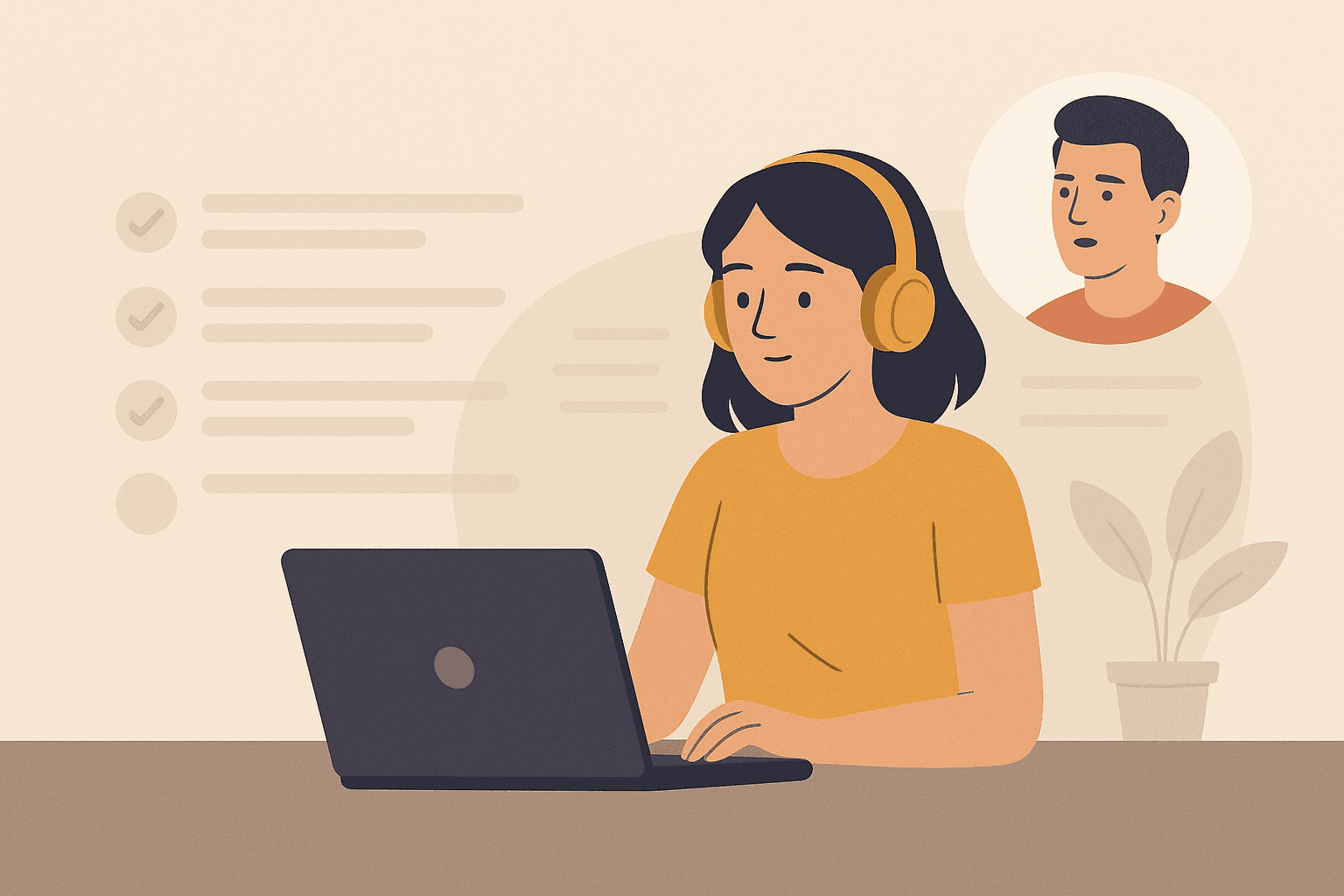
An eLearning voice-over is the audio narration that guides someone through a course. It tells learners what matters, sets the pace, and keeps their attention on the task, not the screen.
Teams use it in everyday training: onboarding, compliance updates, product changes, and quick internal processes. It helps people stay focused when work is noisy and time is tight.
High-quality voice-overs can:
Bring clarity to e-Learning content
Support knowledge retention through spoken guidance
Reach auditory learners who absorb information best by listening
Make training more accessible for different learning preferences
Keep learners moving without stopping to read long text blocks
It’s simple: a voice that makes training easier to follow and faster to absorb.
Types of eLearning voice-overs
Most teams use one of three approaches. Each works, but the trade-offs become obvious when training changes often.
Professional voice artist recordings
What it is: Hiring trained voice actors who record your script in a studio with full editing and production.
When it makes sense: External training, branded customer courses, or major one-off projects with a real budget.
Reality check: $350-$450+ per finished minute, plus weeks of back-and-forth before the audio is final.
DIY in-house recording
What it is: A team member records narration with a USB mic and basic editing software.
Why teams try it: It feels affordable and straightforward.
Why it usually fails: Inconsistent delivery, background noise, time-consuming edits, and no one on the team is actually a voice actor.
AI-powered voice-overs
What it is: Text-to-speech tools that turn your script into natural-sounding audio in seconds.
Why it’s gaining traction: Fast production, low cost, and narration that updates instantly when training changes.
Best for: Internal eLearning, product updates, and training modules that need frequent revisions without slowing teams down.
AI voice-over options for eLearning
AI narration is everywhere now, but not all tools fit the pace of real workplace training. Most teams end up choosing between two paths: built-in narration inside their course platform, or standalone AI tools that generate audio separately.
Built-in text-to-speech: Coassemble’s AI narration
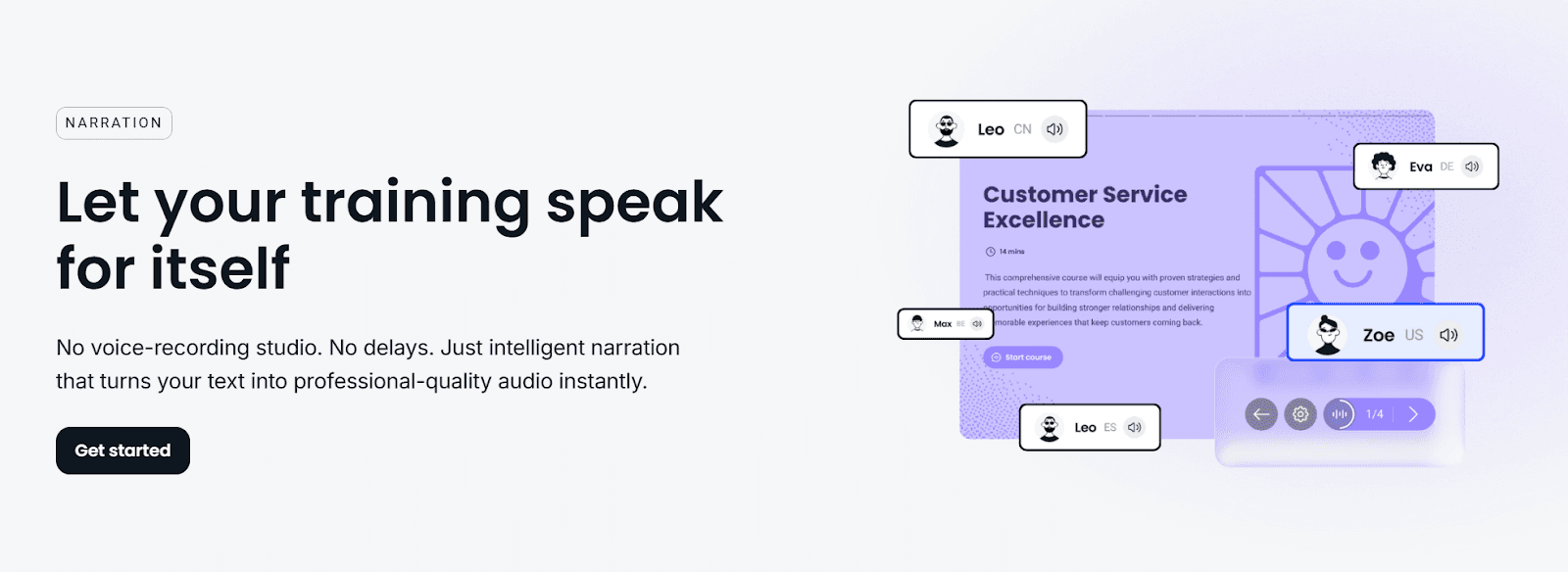
What it is: Narration built directly into your course creation tool. No extra software. No audio files. Just text that turns into natural, professional-quality audio instantly.
How it works:
Highlight any text
Choose a voice, tone, or language
Generate narration in seconds
Update your audio anytime you change the script
Learners hear clear guidance without you ever touching recording gear
Why it matters:
No studio. No mic. No editing queue
Narration updates as fast as your training does
Multiple languages and accents help teams scale globally (instant audio, natural sound, and multilingual support)
Everything stays in one workflow; course, script, and audio move together
Pros:
Fast, natural AI narration created inside your eLearning content
Zero file management or syncing
Consistent tone across every training module
Accessible for teams without voice talent or technical editing skills
Supports global learners with multiple languages
Cons:
Designed for clarity and training, not for cartoon voices or dramatic character reads
For highly branded external videos, some teams still prefer dedicated voice talent
Standalone AI voice generators: ElevenLabs
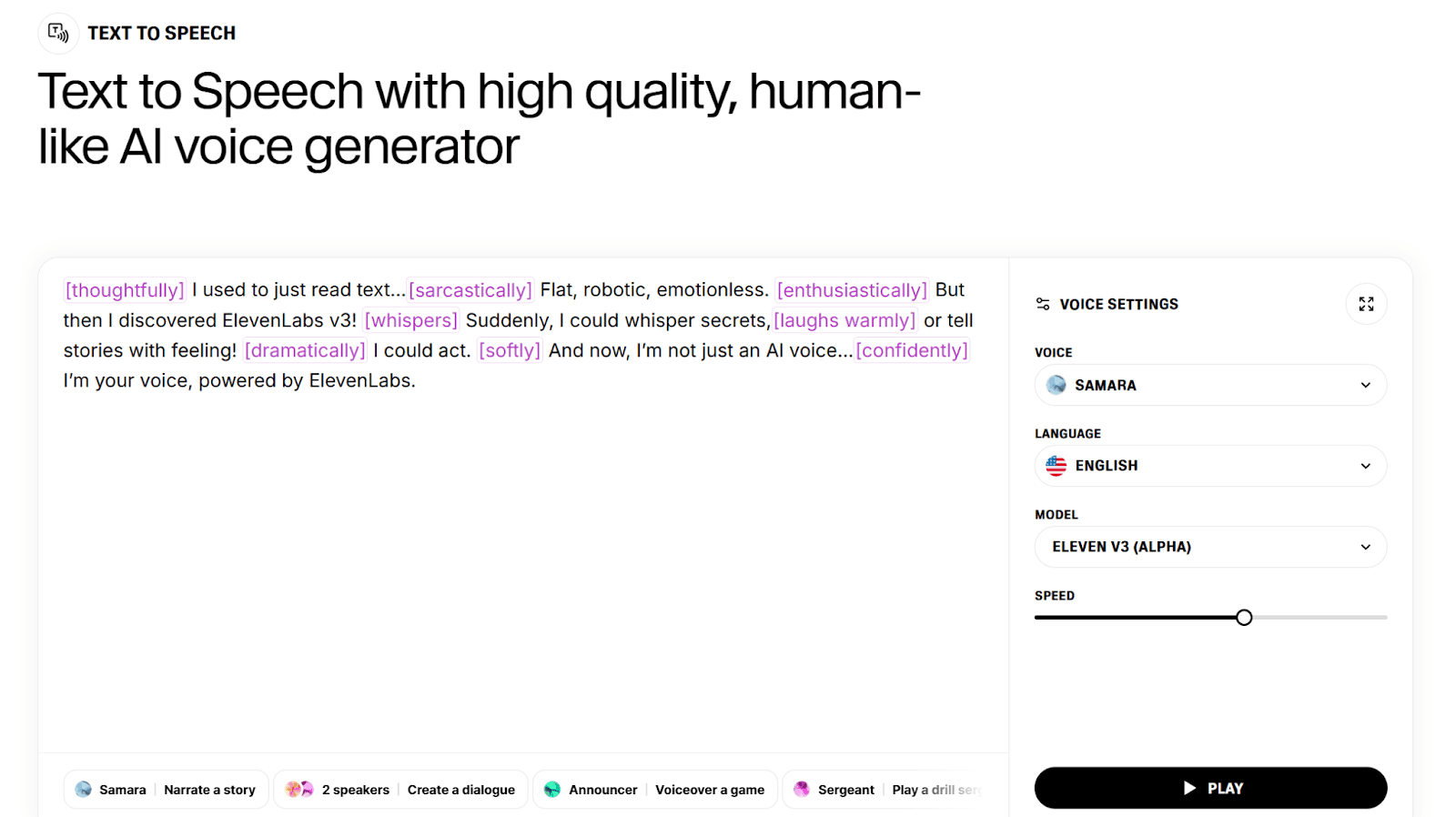
What it is: A separate AI voice tool that focuses on high-quality text-to-speech, with a large library of tones, accents, and character styles.
How it works:
Write or paste your script into ElevenLabs
Choose a voice and generate the audio
Download the audio files
Open your course creation tool
Upload each file into the right screen or lesson
Repeat this cycle every time your content changes
Pros:
Very natural-sounding AI voices
Wide range of speaking styles and emotions
Voice cloning for teams that want to replicate a specific person
Great for marketing videos or customer-facing content outside of training
Cons:
Fragmented workflow with constant switching between tools
Managing audio files adds complexity as courses grow
Easy to lose track of which file belongs to which lesson
Updates require re-generating, re-downloading, and re-uploading audio
Extra subscription cost on top of your course creation platform
More steps, more friction, more time
How to use AI voice-overs correctly in eLearning
AI narration works best when it feels like a guide, not a script. The goal is simple: keep people moving through the training without adding noise or slowing them down.
Match voice to content
Different training moments need different tones.
Compliance benefits from a professional, steady voice.
Onboarding feels more welcoming with a warmer, conversational tone.
Technical steps land better when the narration is calm and patient.
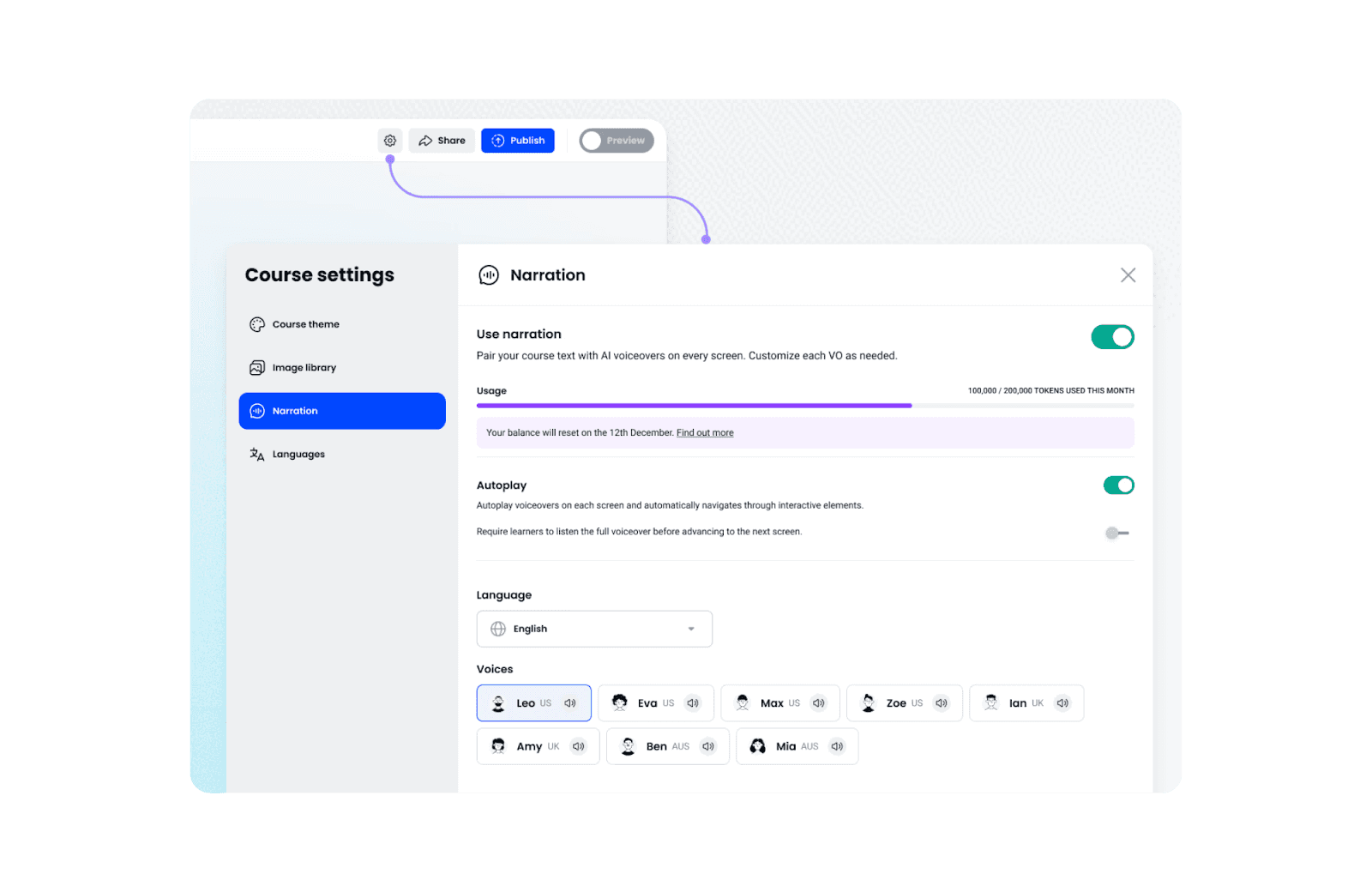
Coassemble makes this easy. You can choose from different AI voices so each screen sounds like it was built for the message it carries.
Write for the ear, not the page
Text that sounds natural is easier to follow. Short lines help. Everyday language keeps the learner with you. If something feels stiff when you read it aloud, they’ll hear it instantly.
A few simple habits help narration feel smoother:
Use short, active sentences
Avoid jargon unless your team uses it daily
Aim for a steady speaking pace so learners don’t need to rewind
Coassemble’s built-in narration follows your script exactly, so clear writing turns directly into clear audio.
Keep narration synced with visuals
Narration should reinforce what’s on the screen. Not distract from it.
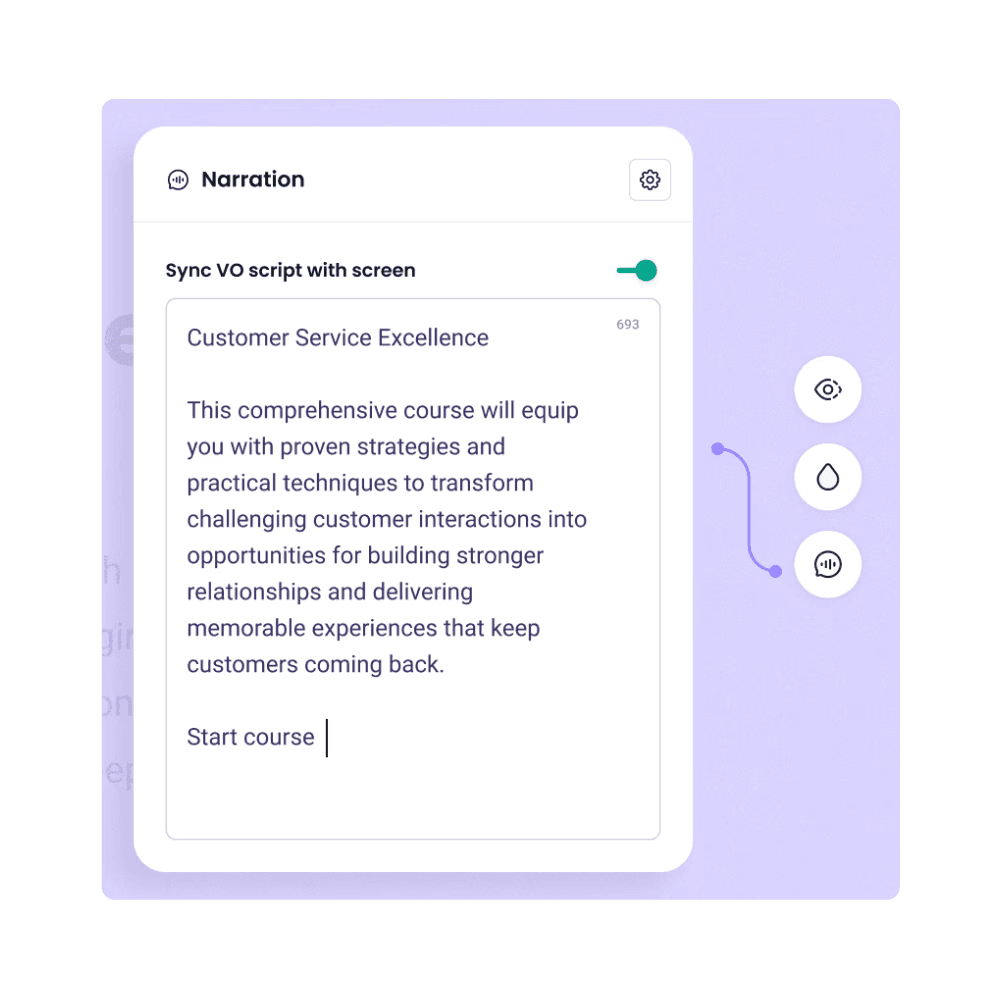
Show the graphic, step, or example while the audio explains it. Avoid forcing people to read one thing while listening to something else.
Because Coassemble generates narration on each screen, your audio stays automatically aligned with the visuals. Update the text. Regenerate the audio. Everything stays in sync without extra editing.
Bringing your training to life with AI narration
AI narration has changed how fast teams can bring training to life. What once required studios, voice talent, and long production cycles now takes minutes. And when narration lives inside your course creation workflow, updates stay effortless. No files. No syncing. No delays.
Coassemble keeps that momentum moving. You create the content. AI gives it a voice. Your team gets training that sounds clear, feels guided, and stays easy to update as your business evolves.
Your training already has the words. Now give it a voice that keeps people moving. Start free with Coassemble.
FAQs about e-Learning voice-overs
What is an eLearning voice-over?
An eLearning voice-over is the audio narration that guides learners through a course. It highlights key points, sets the pace, and helps people stay focused without relying solely on on-screen text.
What are the different types of eLearning voice-overs?
Most teams choose between professional voice actors, DIY in-house recording, or AI-powered narration. Professional talent works for big external projects. DIY feels affordable but is time-consuming. AI narration offers fast, clear audio that updates instantly.
How do I use voice-overs correctly in eLearning?
Match the tone to the content, write in short conversational lines, and keep audio aligned with what’s on the screen. AI narration makes this easier by generating new audio every time you update your script.
How do I add voice-over to my eLearning course?
You can use an integrated tool like Coassemble, where you highlight text and generate narration instantly. Or you can use a standalone tool like ElevenLabs, download audio files, and upload them to each screen manually.
Should I use AI voice-overs or hire a professional voice actor?
Use professional voice talent when your course is external, high-stakes, or deeply branded. AI works best for internal training, quick updates, and projects where speed, clarity, and cost matter most.
Read More
Join the knowledge revolution today
Unlock knowledge. Boost engagement. Drive results
No credit card required

Join the knowledge revolution today
Unlock knowledge. Boost engagement. Drive results
No credit card required
Join the knowledge revolution today
Unlock knowledge. Boost engagement. Drive results
No credit card required