What are the best ChatGPT prompts for course creation?
Used well, prompts turn static ideas into a learning experience that feels alive. Designed for real learners, not stuck in a draft.
Every course starts the same way.
An idea. A blank page. A lot of staring.
The right ChatGPT prompts for course creation can move you past that faster than you'd think. They help you brainstorm topics, shape learning objectives, and build course content that flows.
But here's what most articles won't tell you: ChatGPT is a starting point, not a finish line. Even the best ChatGPT prompts for learning can't turn your ideas into interactive, trackable training on their own.
This article gives you practical prompts that actually work, plus honest context on where they fall short.
Here's what we'll cover:
- What ChatGPT prompts for course creation actually are
- Best prompts for course planning and content
- The ChatGPT course creation trap to avoid
- When to use ChatGPT vs. a dedicated course creation tool
Why learning objectives matter before anything else
Before you build a lesson, outline a course, or write a single prompt, you need to know why this training exists.
Learning objectives turn scattered ideas into a clear path. They account for different learning styles, define what learners will be able to do, and map out how you'll assess understanding along the way.
Most teams skip this step. They jump straight into writing, gathering slides, or firing off prompts. But a course without learning objectives is just knowledge with nowhere to go.
Start with the outcome.
Then use prompts to work backward: shaping course topics, outlines, and activities that support that goal. This approach helps you accurately assess learner understanding at every stage, not just at the end.
A strong learning objective answers three things:
- Who is the learner?
- What will they be able to do?
- How will you know they got there?
Get that right first. Everything else follows.
Best ChatGPT prompts for course planning
Planning is where every course begins and where most creators get stuck.
You have the knowledge. ChatGPT helps you shape it. The key is giving clear context: who your learners are, what they need, and how each lesson builds on the last.
Here's how to write prompts that set a strong foundation for your course creation process.
Brainstorming course topics
Most people don't start with a perfect picture. They start with a problem.
A new hire. A new feature. A new workflow. And a moment of: "What do I even put in this training?"
The best prompts for generating course ideas are specific about the audience and the gap. Vague prompts return vague ideas.
What to include in your prompt:
- Your team or intended audience
- The problem or skill gap you're solving
- Any context about their experience level
Try these:
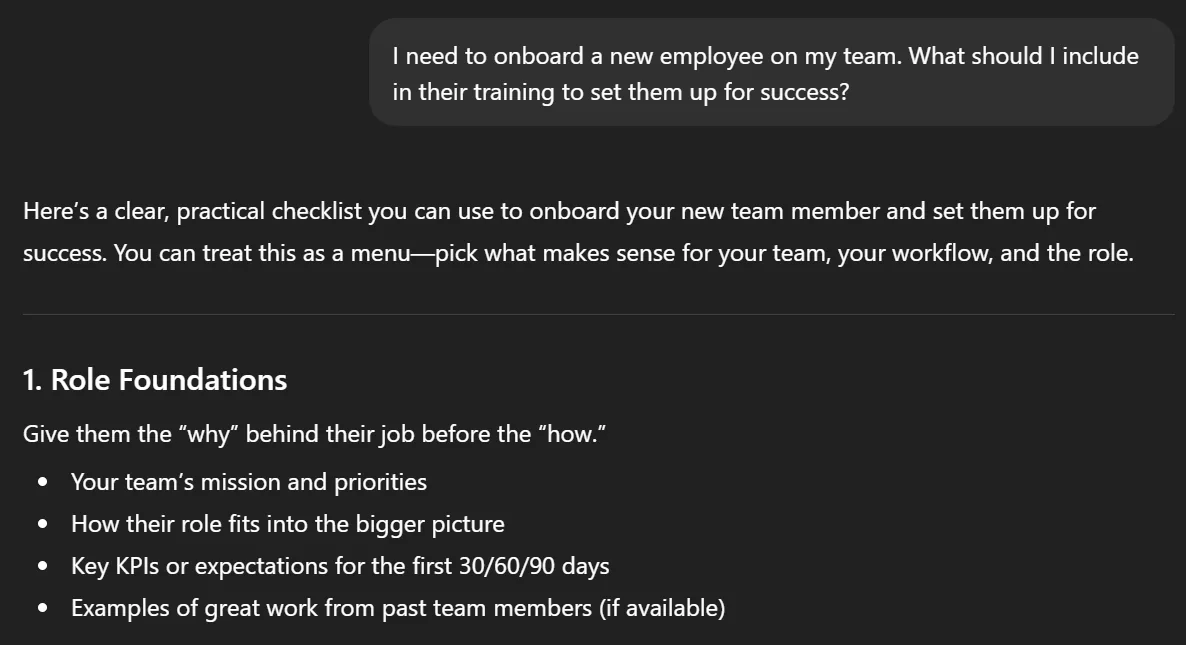
- "I need to onboard a new employee on my team. What should I include in their training to set them up for success?"
- "Give me 5 training ideas to help new people managers feel confident in their first month."
- "What kind of training should I create for a team moving from spreadsheets to a new internal tool?"
- "Suggest practical course topics for customer-facing teams who need help with tricky conversations."
Creating course outlines
Once you have a topic, ChatGPT can help you build a detailed course syllabus fast. The goal is a logical sequence where each module builds on the last.
What to include in your prompt:
- The course topic and target audience
- The format you need (week by week breakdown, module list, etc.)
- Any teaching methods or interactive elements you want included
Try these:
- "Create a detailed course syllabus for a Product team explaining a new feature rollout. Include a week by week breakdown, key points, and learning objectives."
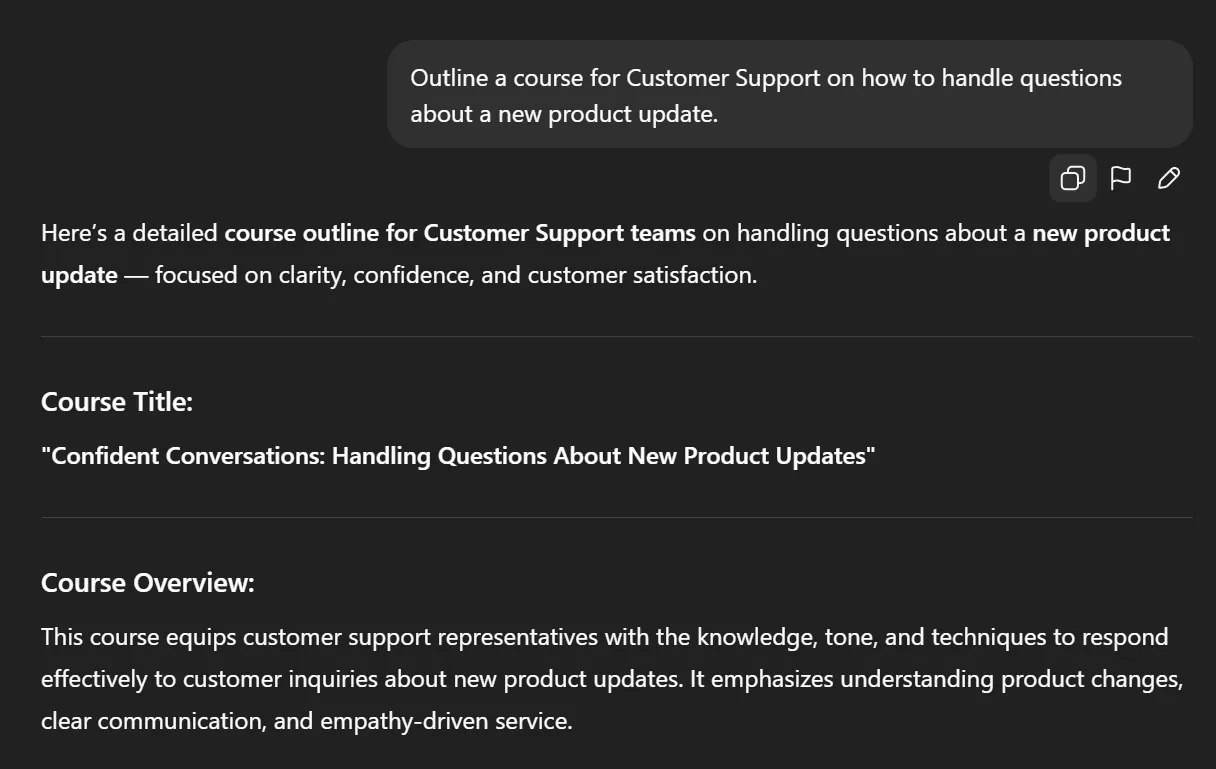
- "Outline a course for Customer Support on handling questions about a new product update. Include checkpoints for learner understanding and a feedback mechanism."
- "Design a course outline that balances theory, interactive activities, and visual aids for explaining a new internal workflow."
- "Provide a comprehensive overview for an onboarding course showing how each module builds understanding step by step."
Defining learning objectives
Strong learning objectives don't just describe topics. They define what learners will be able to do, and how you'll assess student understanding along the way.
What to include in your prompt:
- The role and experience level of your learners
- The skill or behavior you want to change
- The evaluation methods you'll use
Try these:
- "Write 3 learning objectives for a Customer Success course on empathetic communication that stimulate critical thinking and accurately assess learner understanding."
- "Define learning objectives that help visual learners grasp key concepts about tone, language, and active listening."
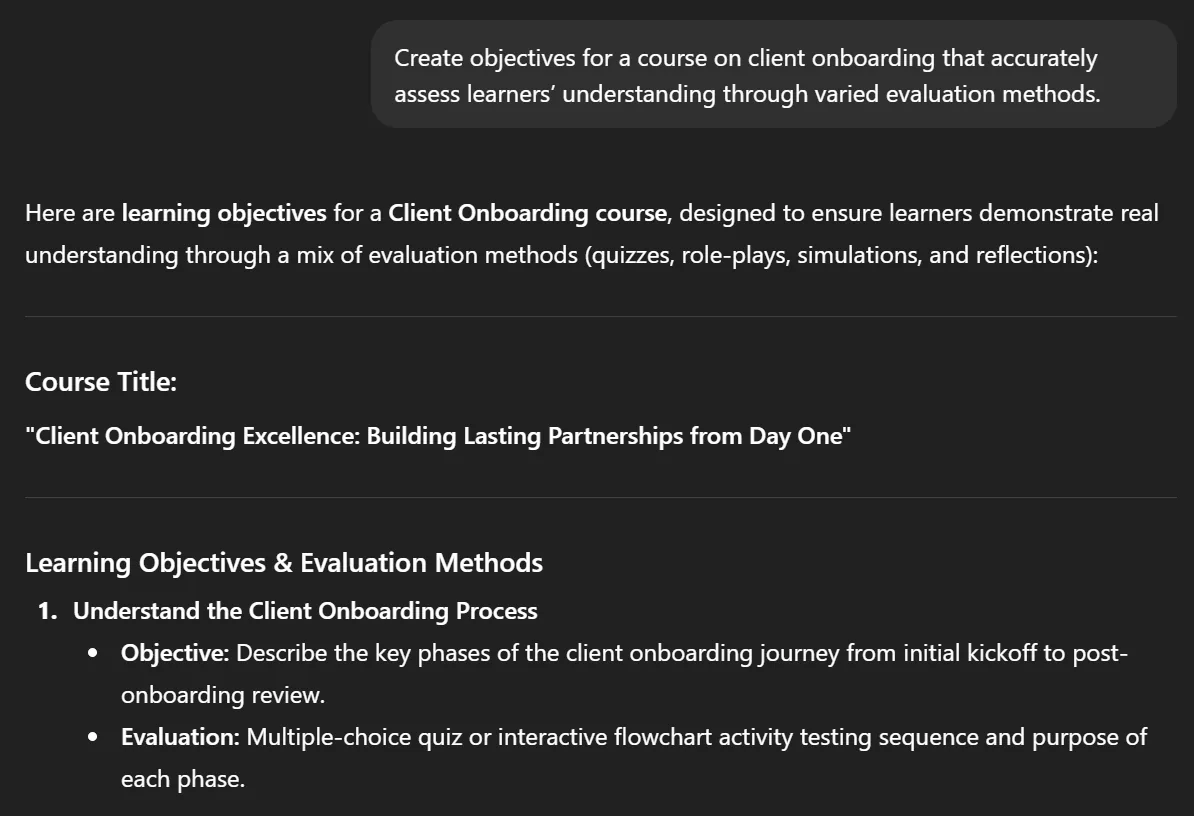
- "Create objectives for a course on client onboarding that accurately assess learners' understanding through varied evaluation methods."
- "Draft learning objectives that encourage interactive participation through reflection and group discussions."
Want to go deeper? Check out these ChatGPT prompts for learning that expand on how teams use AI to improve learner engagement.
ChatGPT prompts for course creation
Once your course plan is ready, it's time to build it.
This is where ideas turn into real course content: lessons, quizzes, and scripts that move learners through a clear, engaging experience. The best ChatGPT prompts at this stage are specific about format, tone, and the real world scenarios your learners actually face.
Here's how different teams can use prompts to create meaningful, interactive training.
Writing lesson content
Take a Customer Support team building a course on handling complaints. Their goal is to turn real experience into a lesson plan that improves confidence and empathy.
Good prompts at this stage define the format, the audience's level, and the teaching methods you want applied.
What to include in your prompt:
- The topic and target audience's level
- The format (slides, written lesson, scenario-based)
- Any interactive elements or practical exercises to include
Try these:
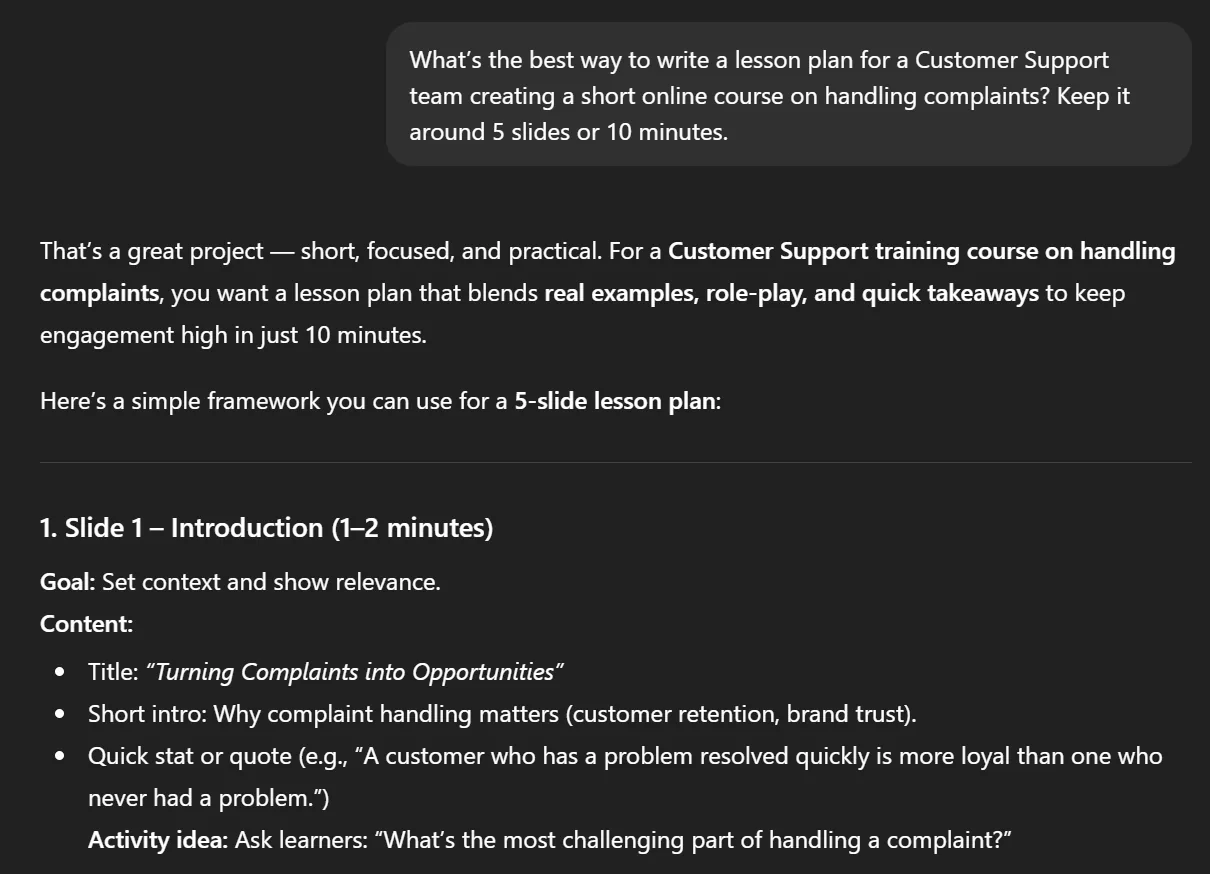
- "What's the best way to write a lesson plan for a Customer Support team creating a short online course on handling complaints? Keep it around 5 slides or 10 minutes"
- "Create lesson content that explains key concepts in customer empathy and provides practical exercises to apply them."
- "Develop a lesson for new support agents that includes visual aids, short scenarios, and a positive and encouraging tone throughout."
- "Write a short training lesson that uses interactive activities to teach active listening and tone management."
- "Design a progressive learning sequence for a new employee covering core curriculum in their first 30 days."
Customization tip: Upload or reference one of your past courses when prompting ChatGPT. Including previous course materials helps the AI stay on-brand, match your tone, and reflect your team's real voice.
Creating quiz questions
Now imagine a Sales Enablement team training new reps on product knowledge. They need a comprehensive and engaging quiz that reinforces learning through real world scenarios, not just multiple choice recall.
What to include in your prompt:
- The topic and what you want to assess
- The format (multiple choice, short answer, scenario-based)
- How many questions and how long it should take
Try these:
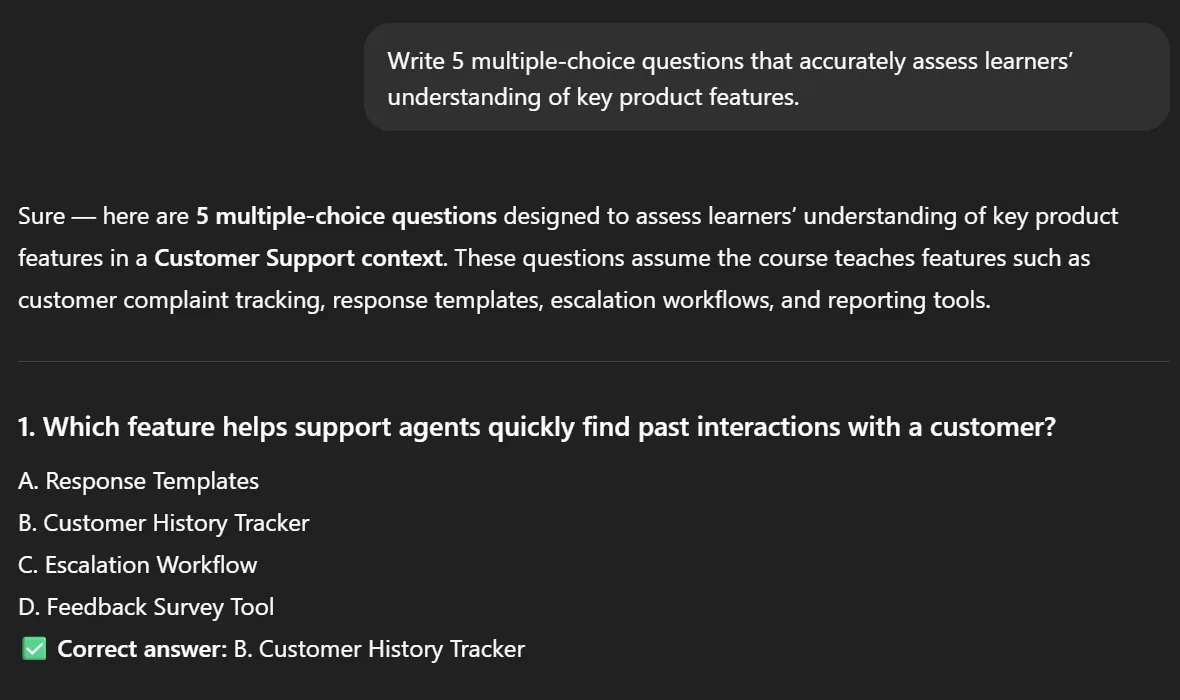
- "Create an interactive quiz for a Sales team training new hires on a new product. Keep it to 5 questions, use scenario-based prompts that stimulate critical thinking."
- "Write 5 multiple choice questions that accurately assess learners' understanding of key product features."
- "Design a comprehensive and engaging quiz that reinforces product benefits and includes constructive feedback after each answer."
- "Generate quiz questions that encourage interactive participation and assess student understanding through real world application."
- "Write chatgpt prompts that trap it into short answer responses, no lecture, so learners have to recall and apply knowledge actively."
Customization tip: Add your product playbooks or past quiz banks when prompting. This helps generate questions that reflect your brand voice and the real situations your learners face.
Drafting video scripts
A People & Culture team creating short leadership training videos needs scripts that feel conversational and authentic. Something managers can record quickly and share directly inside their training platform.
What to include in your prompt:
- The topic and intended audience
- The tone (warm, direct, story-led)
- The length and any visual cues needed
Try these:
- "Write a short video script for a People & Culture team teaching managers how to lead with empathy. Keep it under 3 minutes with a positive and encouraging tone."
- "Create a script for a leadership video that explains key concepts in feedback conversations through real world examples."
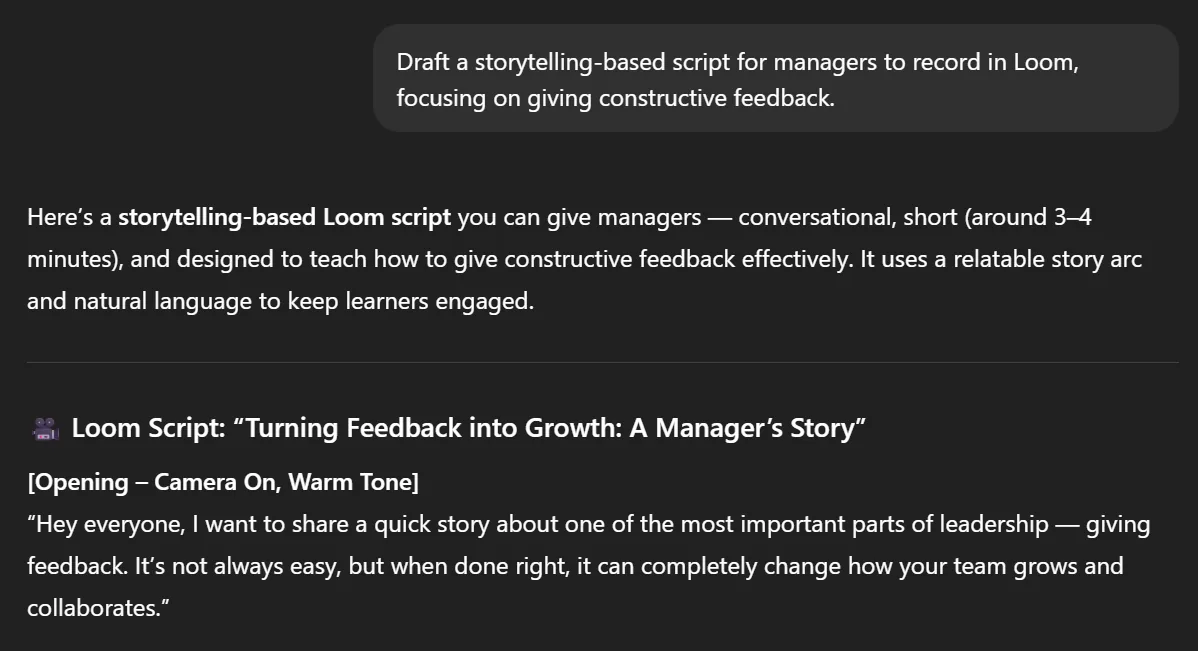
- "Draft a storytelling-based script for managers to record in Loom, focusing on giving constructive feedback."
- "Write a script outline for conducting effective 1:1s that includes talking points and encourages interactive participation."
Customization tip: Reference your past leadership videos or internal training scripts when prompting ChatGPT. This keeps tone, pacing, and messaging consistent across your course materials.
Pro tip: Coassemble integrates directly with Loom, so you can drop your videos straight into your course. It's the fastest way to turn recorded lessons into interactive, visual training your learners can revisit anytime.
Using ChatGPT for scenario-based learning
Some lessons need more than explanations. They need moments where learners picture themselves in the situation and where they choose what to do next.
ChatGPT can help you create those moments. It generates rich, detailed scenarios that build judgment, empathy, and confidence without the pressure of real-world consequences.
It's a simple idea: you give ChatGPT the role, the context, and the challenge. It returns scenarios your learners can react to, reflect on, or practice with. These work perfectly in short courses, Flashcards, quick refreshers, and team discussions.
Try these:
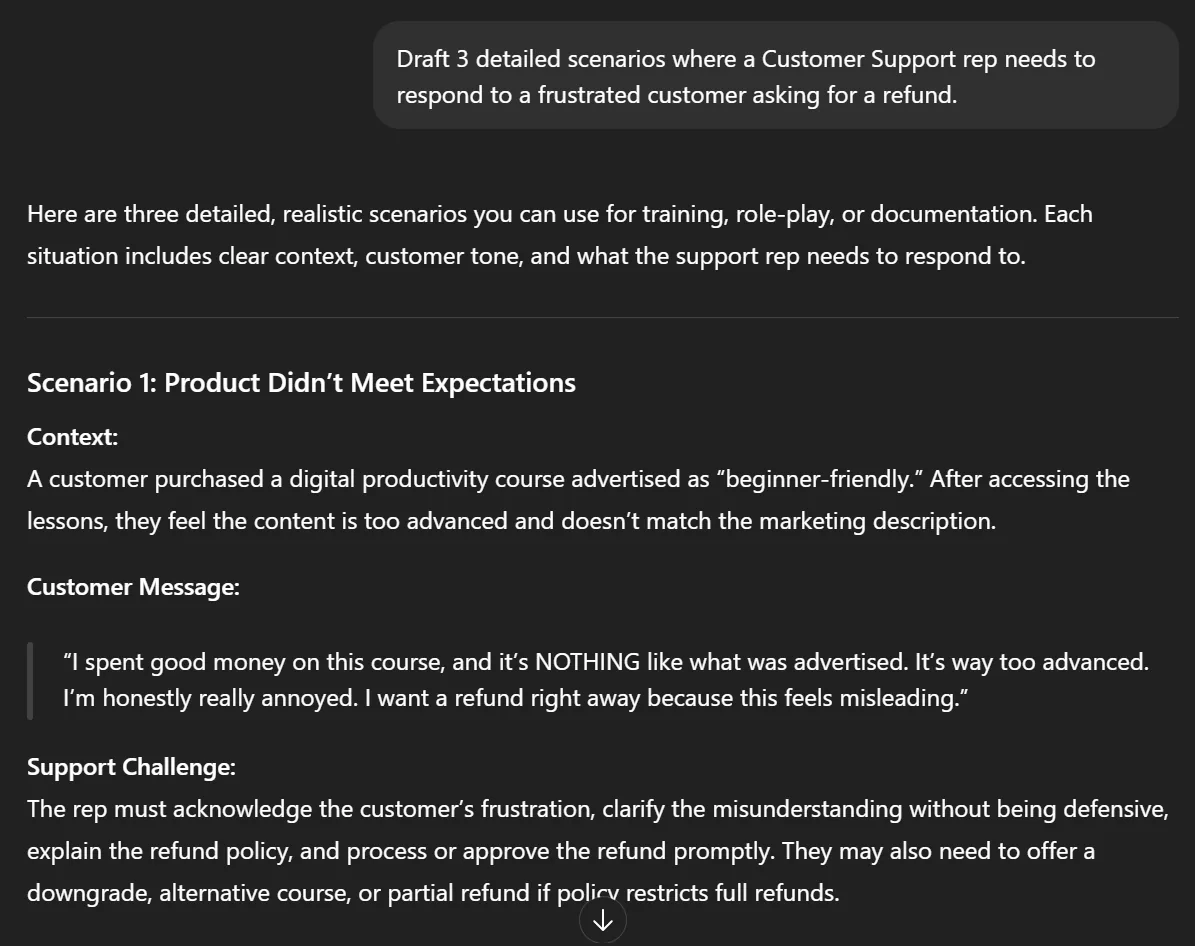
- "Draft 3 detailed scenarios where a Customer Support rep needs to respond to a frustrated customer asking for a refund."
- "Create 5 short scenarios for a People & Culture course where managers need to give difficult feedback during a 1:1."
- "Write a scenario where a social media manager handles a public complaint on Instagram. Include what the customer said and what the learner needs to decide."
- "Give me 3 real-world scenarios a new sales rep might face when handling objections on a call."
- "What's the best way to create 3 short, scenario-based flashcards for onboarding new employees to our internal tools?"
These scenarios become powerful practice moments, easy to drop into a Flashcards screen or build into a quick knowledge check. They give learners something to react to, not just read.
The ChatGPT course creation trap (and how to avoid it)
ChatGPT makes the planning stage feel fast. A few prompts in and you've got outlines, lesson plans, and quiz questions. It's genuinely useful.
But then what?
That content sits in a chat window. Unformatted, static, and disconnected from your learners. Even the best chat gpt prompts for course creation can't cross this line for you.
Here's what ChatGPT can't do:
- Turn text into interactive, trackable courses
- Add your branding automatically
- Integrate with your existing tools
- Let multiple stakeholders collaborate on course materials
- Track progress or measure completion
The result? Great ideas trapped in a chat window. You're still facing hours of copy-pasting, formatting, and manual setup before anything reaches a learner.
ChatGPT is a capable thinking partner for the early stages of your course creation process. It helps you plan, draft, and structure. But it wasn't built to deliver knowledge inside the tools where work actually happens.
For teams with a mandate to roll out training fast, that gap is costly. Knowledge stays trapped in a chat window instead of reaching the people who need it.
There's a faster path.
From ChatGPT to Coassemble: the faster path
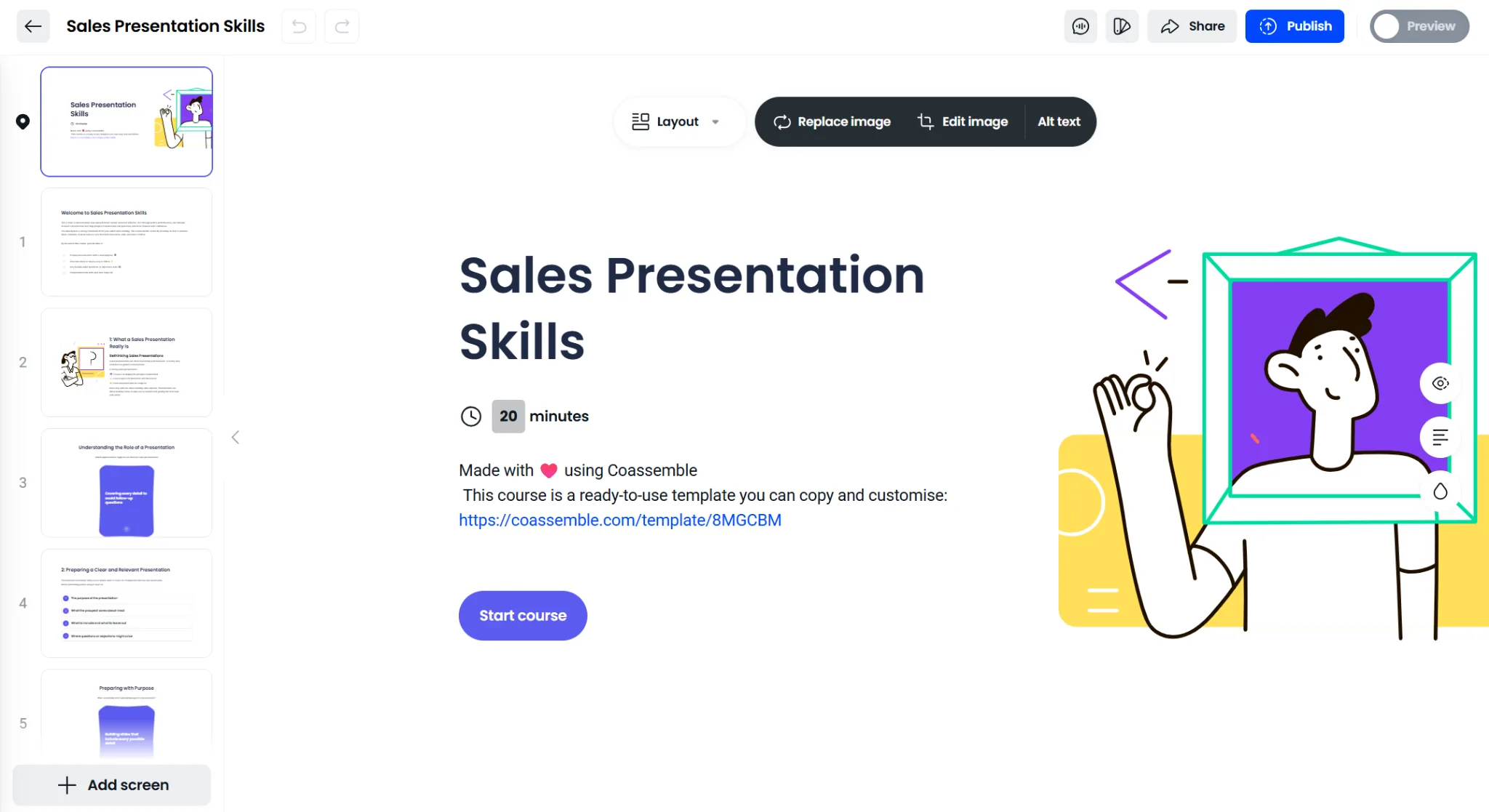
ChatGPT gets you to the idea. Coassemble gets it to your team.
Most teams that end up using Coassemble aren't casually exploring tools. They have a mandate: onboarding a new cohort, rolling out a product update, getting a process out of someone's head and into the hands of the people who need it. And they're already operating inside Slack.
Slack is where updates land. Where questions get asked. Where work actually happens. But it wasn't built for structured learning. Important information gets posted, buried, and forgotten. There's no way to know who actually followed through.
That's the gap Coassemble fills.
Instead of:
- Prompting ChatGPT
- Copy-pasting results
- Formatting in PowerPoint or Google Docs
- Adding interactivity manually
- Setting up tracking
You can:
- Drop your existing presentation, PDF, or doc into Coassemble
- Let Coassemble turn it into a branded, interactive course instantly
- Share it directly inside Slack, where your team already works
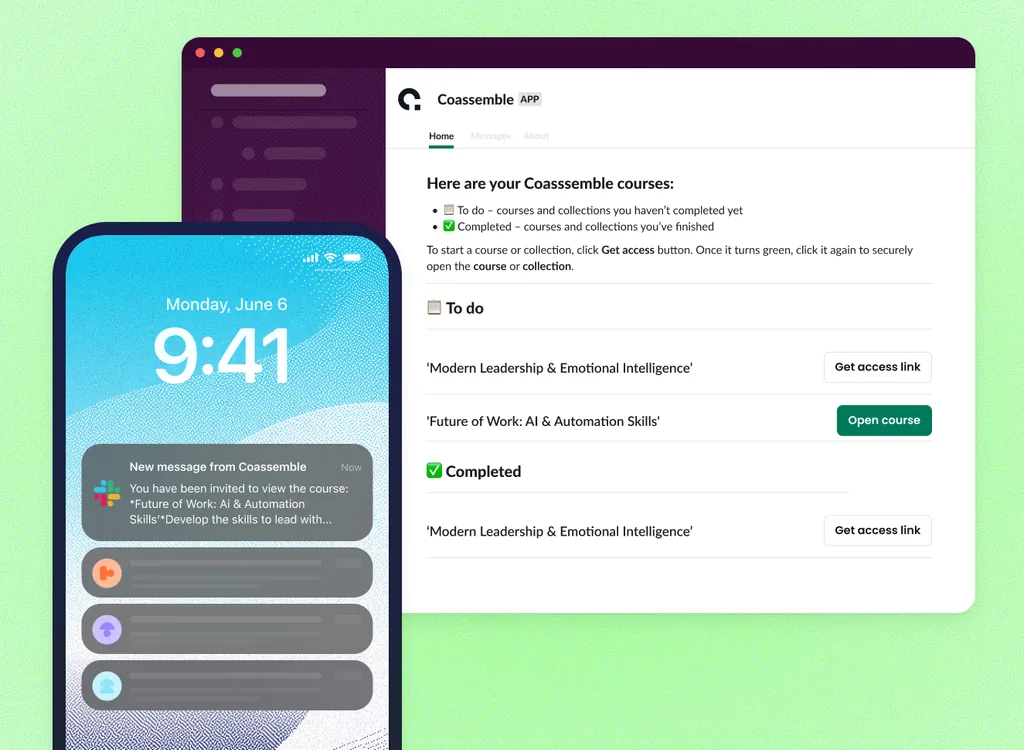
When knowledge lives inside the tools where work already happens, it stops being a training event. It becomes something your team comes back to. A sales playbook they reference before a call. A product update that doesn't get lost in a thread. An onboarding guide that actually gets finished.
Knowledge stops living in a chat window. It starts living where your team already works.
When to use ChatGPT vs. when to use Coassemble
Both tools support the course creation process. But they play different roles.
ChatGPT helps you think. Coassemble helps you deliver.
Use ChatGPT when:
- You need to brainstorm course topics or generate course ideas quickly
- You're shaping a detailed course syllabus or defining learning objectives
- You want to draft lesson content, quiz questions, or video scripts
- You're exploring different teaching methods for varied learning styles
- You need a few prompts to get unstuck fast
Use Coassemble when:
- You have existing course materials ready and need to deploy training today
- You want built-in interactive elements, tracking, and branding without extra tools
- You need to share knowledge instantly inside Slack, by link, or through your existing LMS
- You want subject matter experts to create branded learning experiences without your help
- You're done planning and ready to move knowledge into the hands of your team
The best ChatGPT prompts for learning will sharpen your thinking and speed up your planning. But once the thinking is done, knowledge still needs to move. Coassemble is where that happens inside the tools and workflows your team already uses.
ChatGPT helps you start. Coassemble helps you deliver.
Check out alternatives to ChatGPT for course creation to see how different AI tools compare.
Wrapping up
AI has made the course creation process faster. But even the best ChatGPT prompts for course creation only take you so far.
ChatGPT helps you think through topics, shape learning objectives, and draft content that reflects your team's real knowledge. That's genuinely valuable. But thinking isn't the same as delivering.
For teams with a mandate to roll out training, the gap between a great prompt and a live course is where progress stalls. Knowledge stays trapped instead of reaching the people who need it.
Coassemble closes that gap. It's a knowledge transfer platform built for teams who need to move fast, turning existing content into branded, interactive training and sharing it directly inside Slack or wherever your team already works.
Your team already has the knowledge. Coassemble helps you move it.
FAQs about ChatGPT prompts for course creation
Can I create a course with AI?
Yes. A knowledge transfer platform like Coassemble lets you build, brand, and share interactive training in minutes. No design or coding required.
How do I prompt ChatGPT to create a course?
Be specific. Include your topic, target audience, learning objectives, and teaching methods. Clear prompts create stronger course content.
What ChatGPT prompts should I use for course creation?
Use prompts that define your learners, goals, and structure. Example: "Write 3 lessons for beginners on [topic] with key concepts and a short quiz."
Can you create a complete online course with ChatGPT?
ChatGPT can draft ideas and lesson content, but it can't build interactive elements or track progress. Coassemble turns that content into real, trackable training.
What is the difference between ChatGPT and AI course creators?
ChatGPT generates ideas and content. A knowledge transfer platform like Coassemble builds interactive, branded, trackable courses fast.
Keep reading
What is the best embeddable training software for SaaS platforms?
Embeddable training software puts course creation, delivery, and tracking inside your product instead of a separate portal. Here's what to look for, and how the top SaaS options compare in 2026.
What is a learning infrastructure, and how is it changing?
Learning infrastructure is the systems that create, deliver, and track training. Here's what it includes, how it differs from an LMS or a learning ecosystem, and how embedded learning and AI agents are changing the model.
What training software has the best API and developer documentation?
A robust API means little if the docs are unclear or support-gated. Six practical checks for evaluating a training platform's API and developer documentation before a sales call.