Embed getting started
To start building with Coassemble Embed, the developer documentation is your first stop: it has the full API reference, authentication setup, webhooks, embedding patterns, and code samples. From there, a few key resources keep your integration running smoothly, and there's both an AI assistant and a support inbox when you need help.
Resources to bookmark
- Developer documentation: developers.coassemble.com. The full API reference, authentication setup, and code samples, plus endpoint details, request and response shapes, webhooks, and embedding patterns. Send this to your technical team first.
- Release notes: a living record of what has shipped, what's changed, and what's coming across the platform. Worth checking before a release window and after any bug a customer reports.
- Status page: status.coassemble.com. Real-time platform health. If a customer reports an outage, check here first.
- Knowledge base: the help centre for the broader Coassemble platform, useful when your users ask about a specific feature.
How to get help
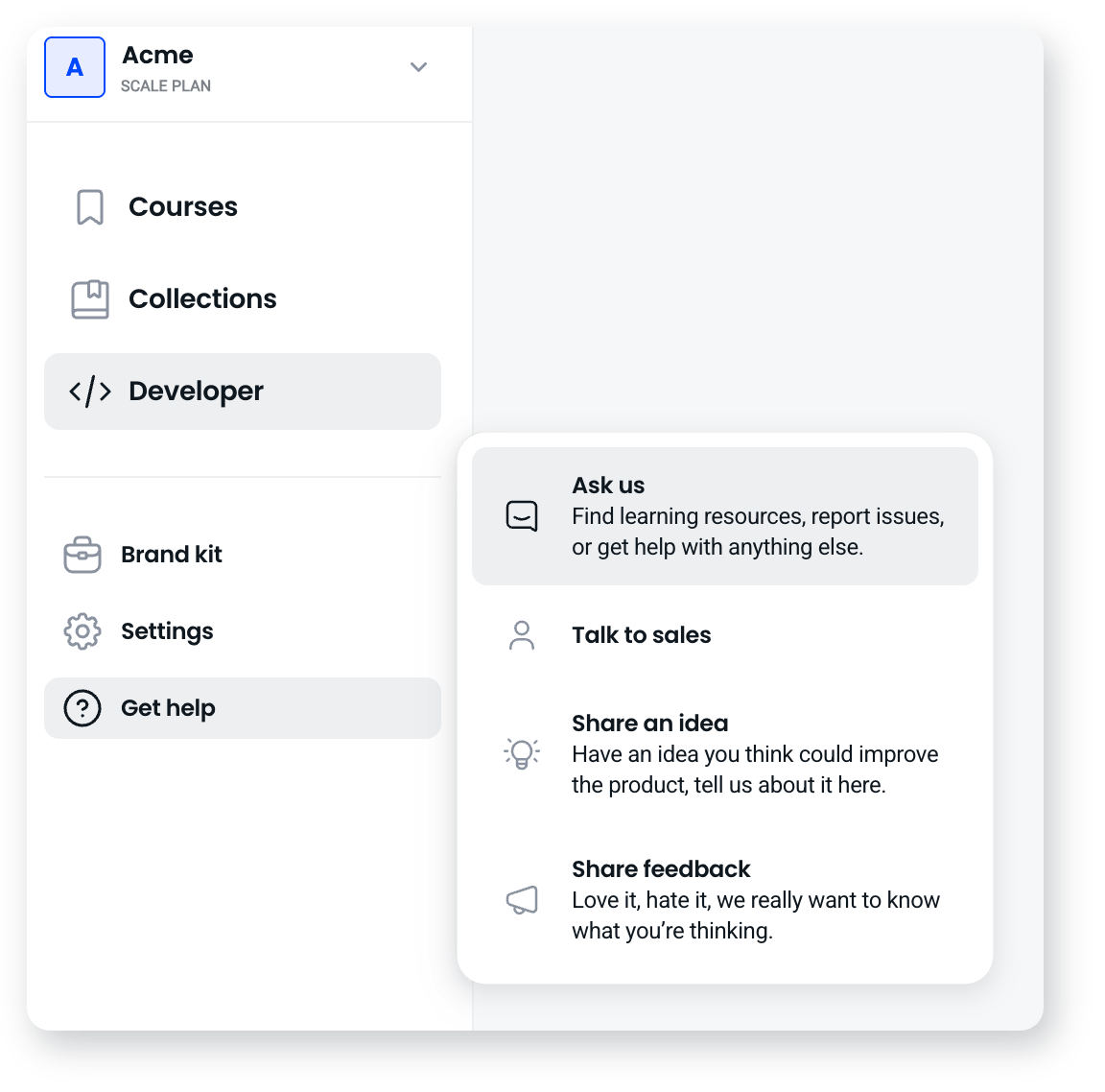
- Start with the AI assistant. For most questions it's the fastest route to an answer. Use it here in the help centre, or inside your Coassemble workspace under Get help, then Ask us. If it can't fully answer, it will escalate to the team.
- Email us for anything that needs a person. This is the direct line for technical issues, account questions, and escalations. To get a fast, useful reply, include as much context as you can: which server environment you're on (Standard Release or Controlled Release), what you're trying to do and what you're seeing instead, and any error messages, request and response samples, or screenshots.
Stay ahead of changes
- Watch for release emails. For anything that affects your integration (release timing, feature changes, server-wide events), Coassemble sends an email so you don't have to chase updates. They come from gday@coassemble.com, so make sure that address isn't filtered to spam. If someone on your team should be receiving these but isn't, reply to any release email to be added.
- Subscribe to the status page. On status.coassemble.com, use Get updates to be notified when an incident opens, updates, or resolves. Choose Subscribe to specific components to follow only the servers that matter to your integration.