Terminology
The words that come up most in Coassemble: courses, screens, blocks, layouts, sections, collections, workspaces, recipients and templates.
If you're new to Coassemble, a few terms come up often. Here's what each one means.
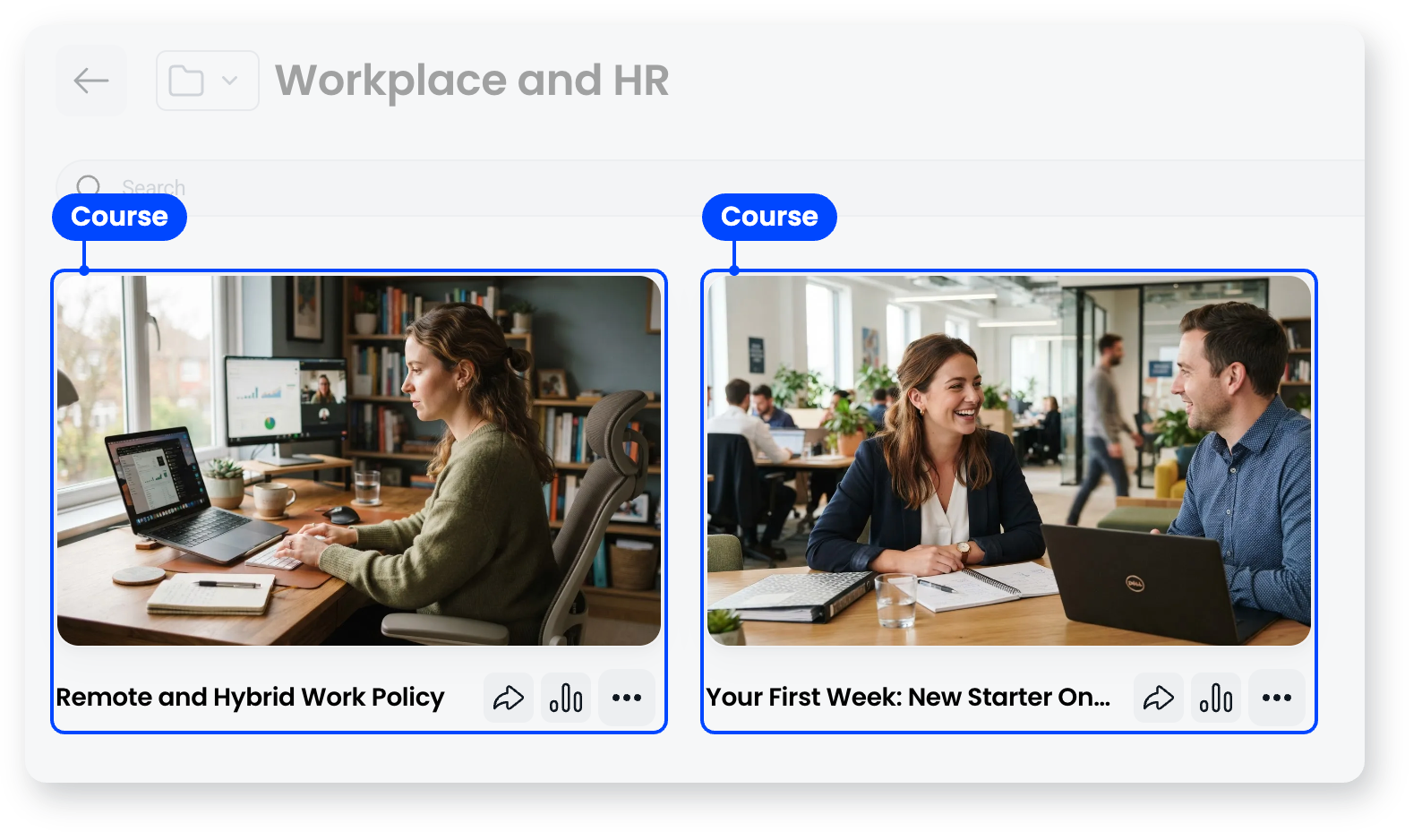
Course
A course is a piece of training that someone works through and completes. It's made up of screens, and you can share it by link, email, or Slack, embed it in your own product, or export it as a SCORM package for your LMS.
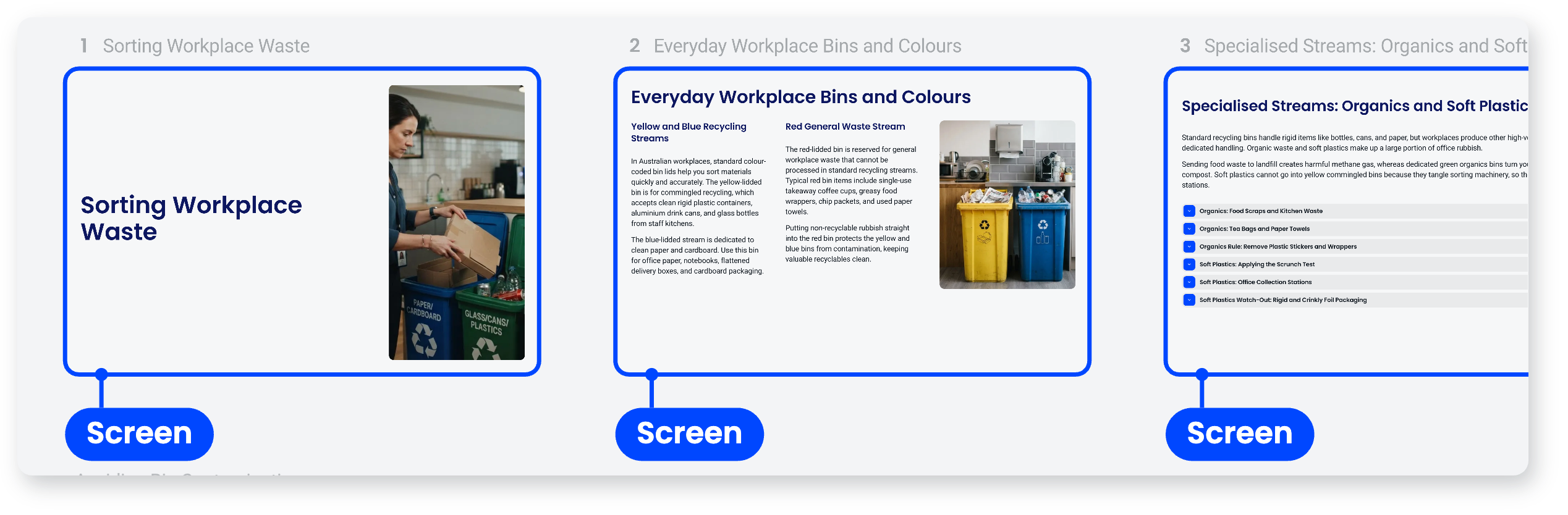
Screen
A screen is a single unit of content within a course, like a page in a book but interactive. You build one by putting blocks on it, and it works best holding one clear idea.
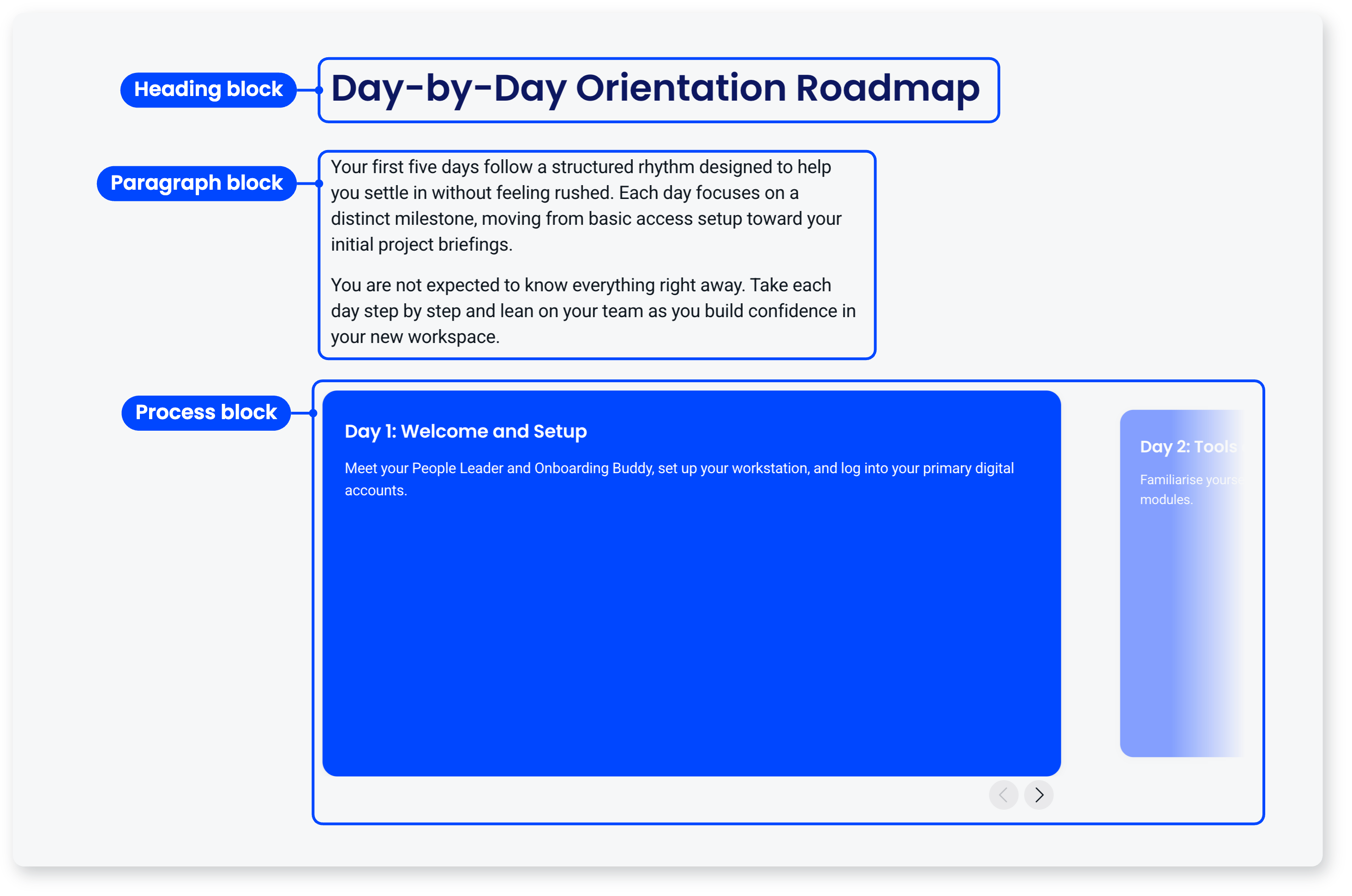
Block
A block is a single piece of content on a screen: a heading, a paragraph, an image, a video, an accordion, a checklist, a quiz question. You arrange blocks on a six column grid and set how wide each one is. Any block can sit on any screen, so a screen can carry an explanation, an interactive element and a knowledge check together.
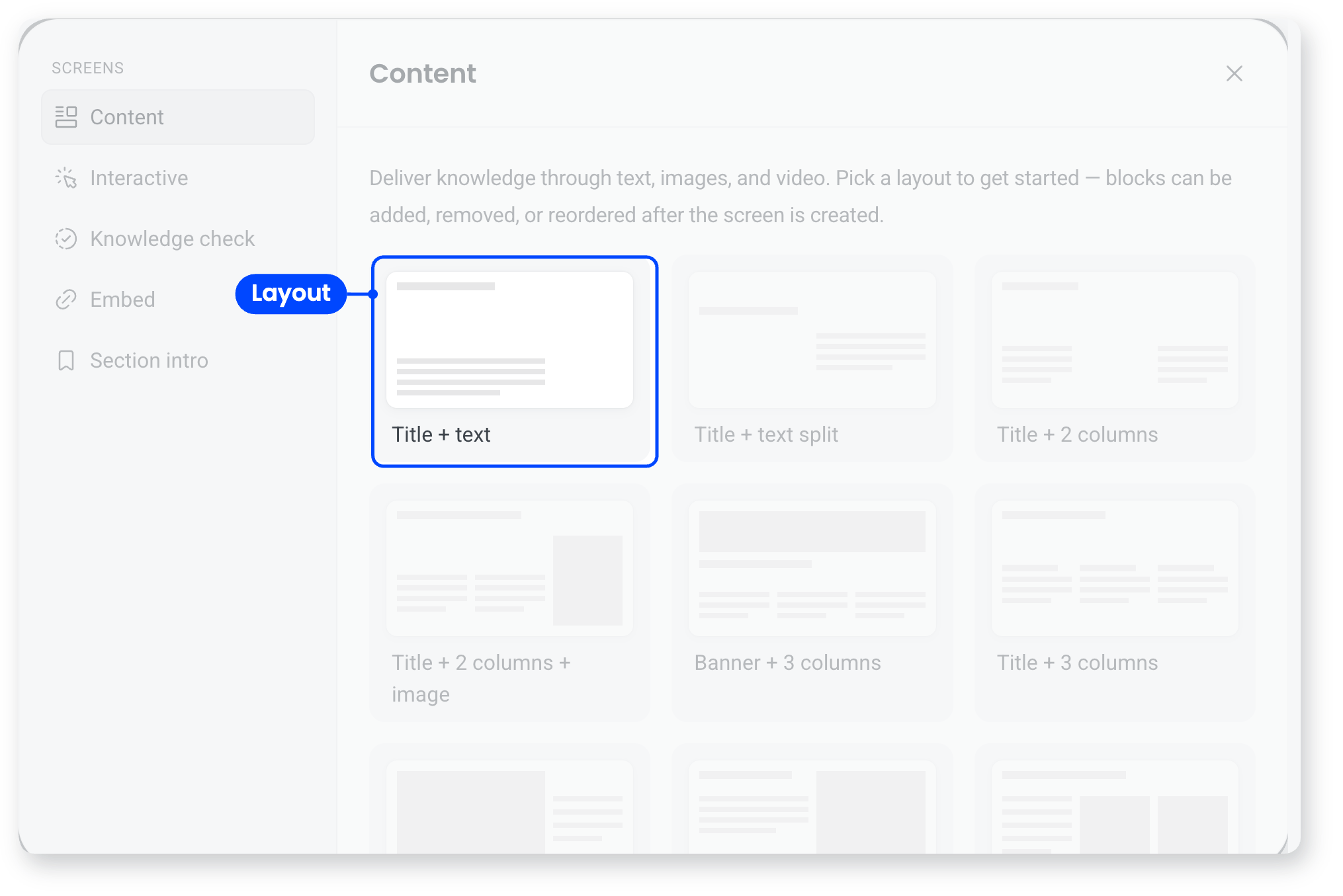
Layout
A layout is a pre-arranged set of blocks that a new screen starts from, so you never begin with a blank canvas. You can change the blocks afterwards, or swap the layout itself.
Section
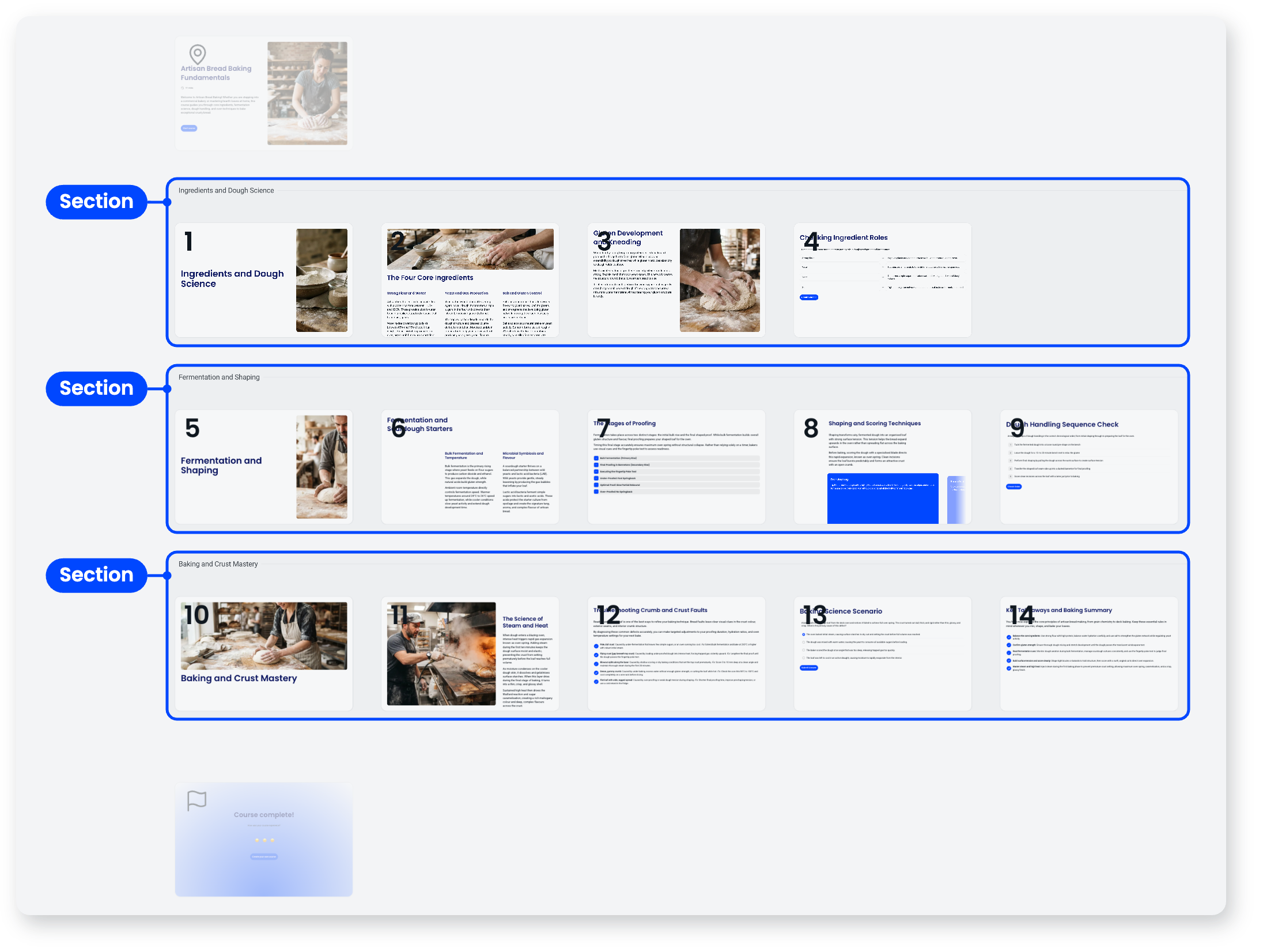
A section is a group of screens within a course. Learners move through sections as chapters, each with its own progress. A scored quiz is its own section.
Knowledge check and quiz
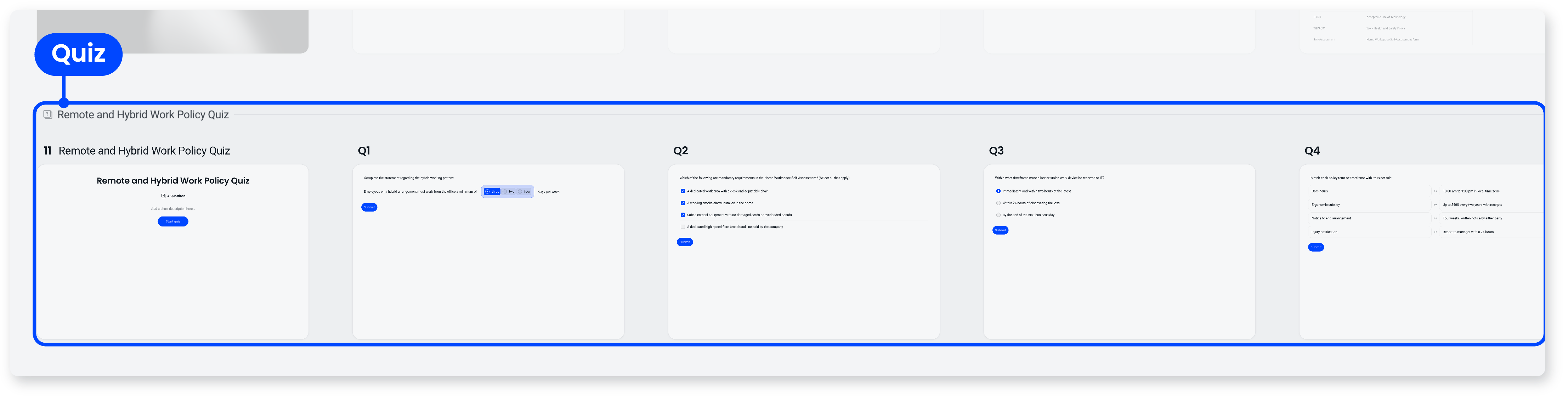
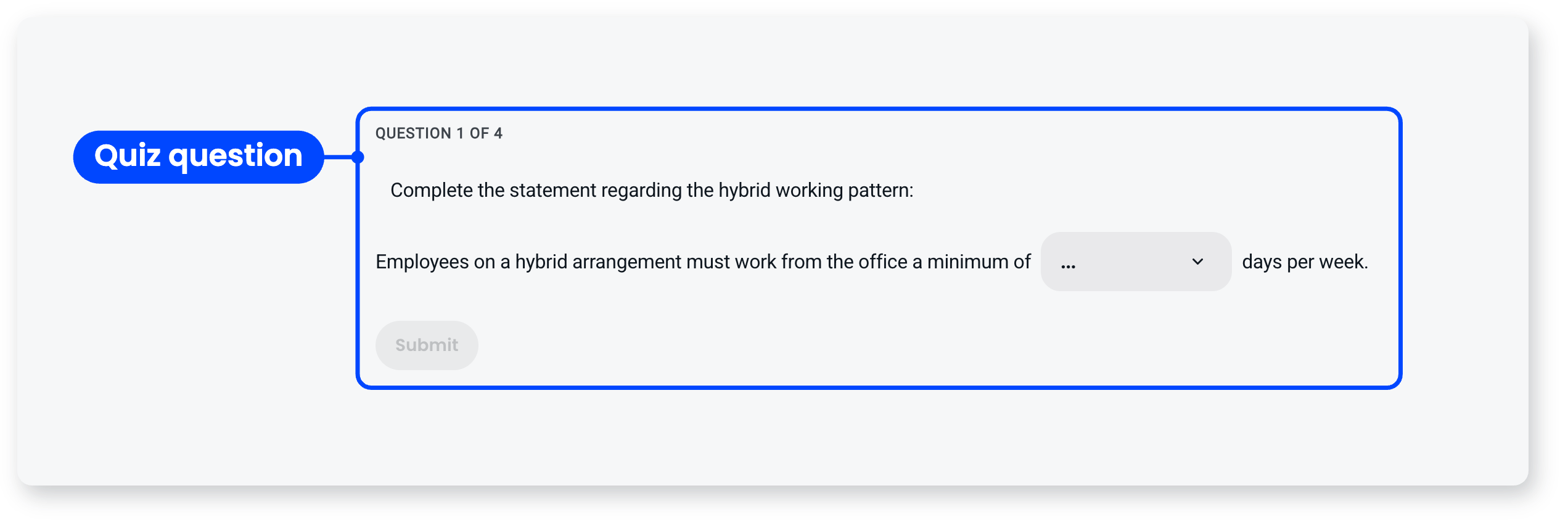
A knowledge check is a single question block on an ordinary screen, used to check understanding as people go. It isn't scored. A scored quiz is its own section, opening with a cover screen, giving each question its own screen, and ending with a results screen.
Collection
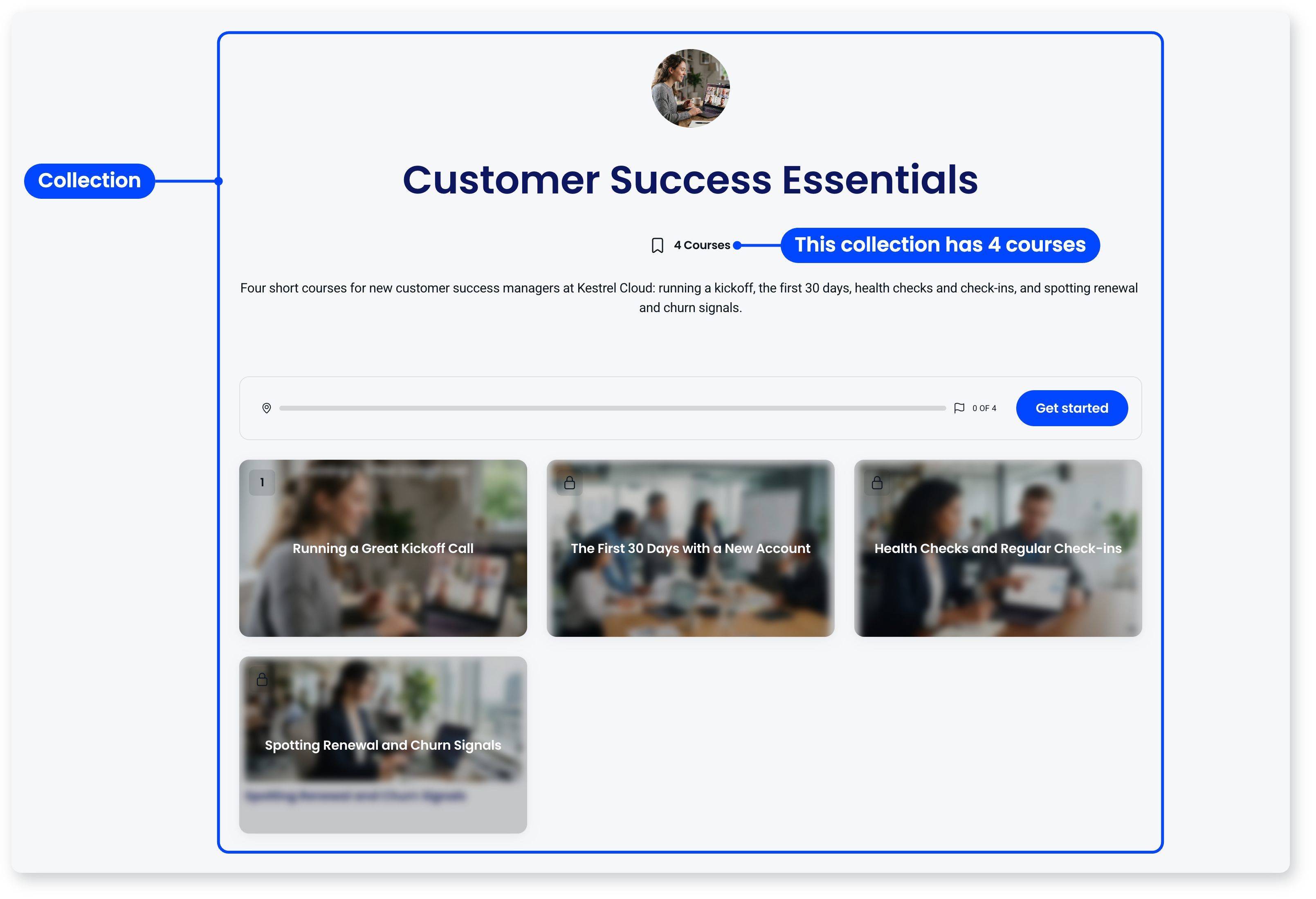
A collection is a group of courses bundled together into a learning path or program, for example a new-hire onboarding journey or a certification track. Collections help you structure related courses so people take them in order.
Workspace
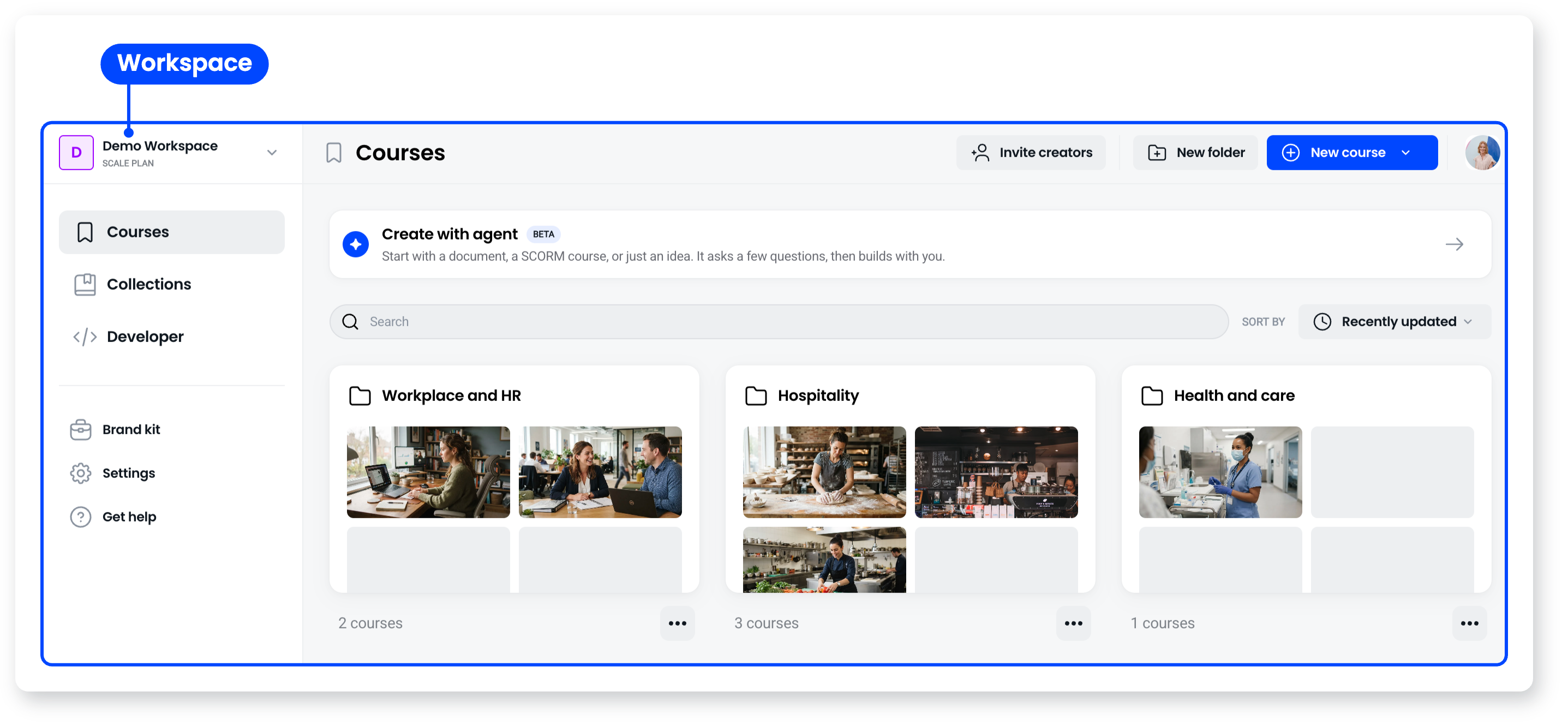
Your workspace is your central hub in Coassemble. It's where all your screens, courses, and collections are created, stored, and managed, and where your account and settings live.
Identified Recipient (IR) and Anonymous Recipient (AR)
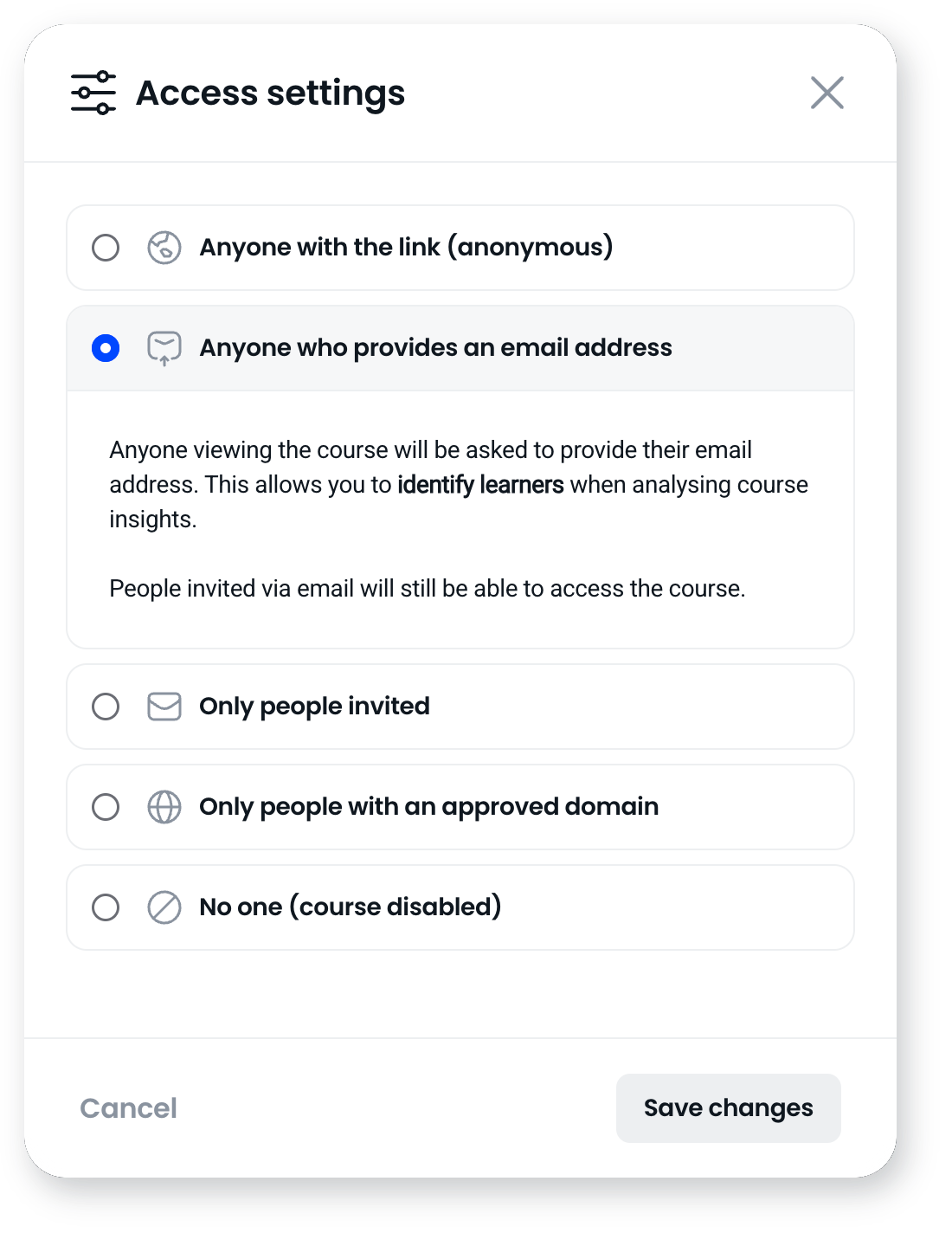
A recipient is anyone who takes a course. They don't need a Coassemble account.
An Identified Recipient (IR) is someone whose identity was captured when they took the course, usually by email or through your own system, so their activity is tied to them by name. An Anonymous Recipient (AR) opened the course without identifying themselves, so their activity is counted but not attributed. These are the units Coassemble counts and reports on.
Template
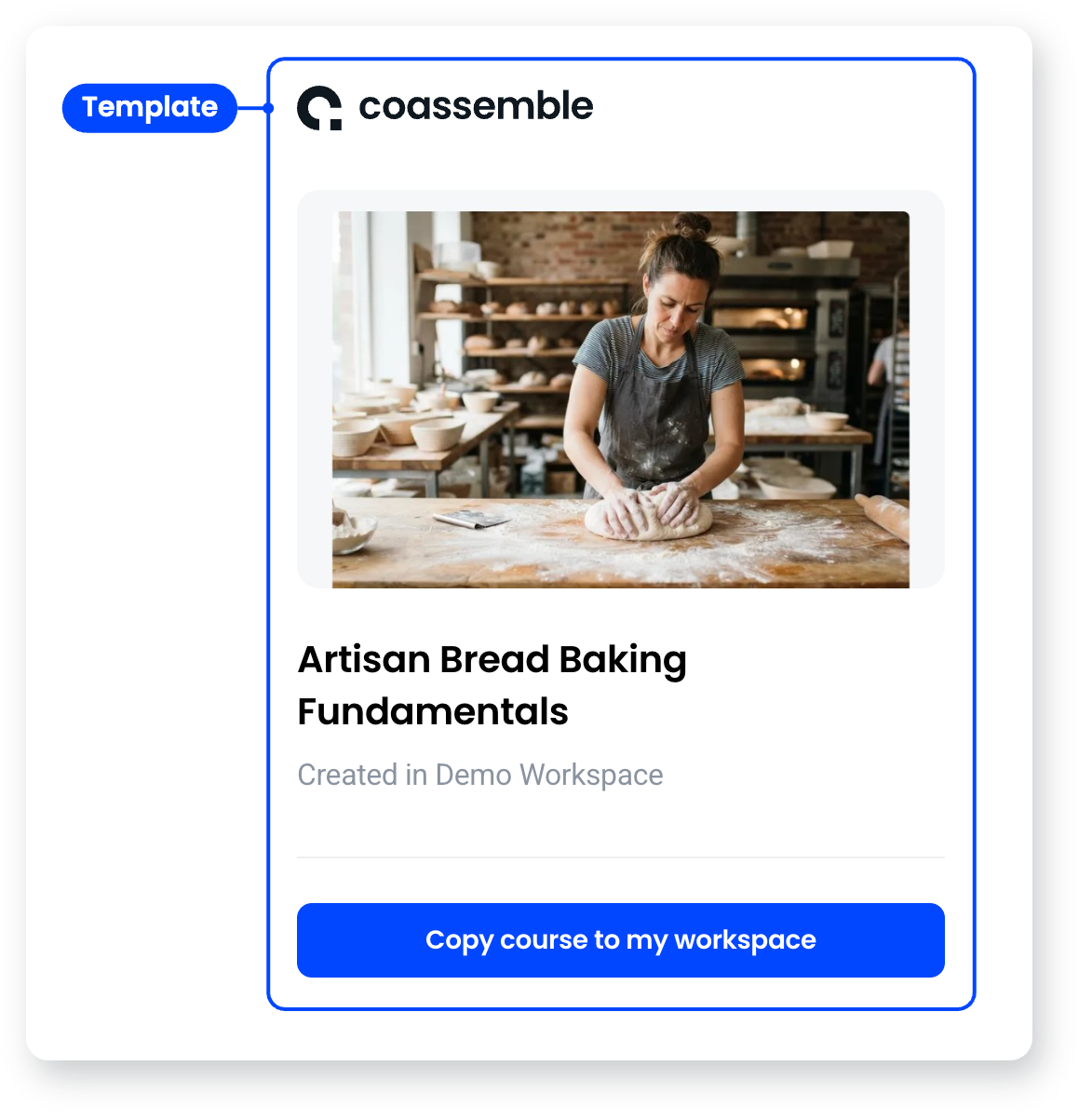
A template is a ready-made or shareable course you can copy and adapt. Starting from a template means you build from an existing structure rather than a blank course.
The agent
The AI agent sits in the course builder as one panel with three tabs: Chat, where you ask it to build or change things; Review, which gives you feedback on the course you've built; and Insights, which reads how learners are going. Review is what Coassemble calls Course Coach, though that name doesn't appear in the builder.

Frequently asked questions
What's the difference between a course and a collection?
A course is a single piece of training made of screens. A collection groups several courses together into a path or program.
What's the difference between a screen and a block?
A block is one piece of content, like a heading or an image. A screen is the surface those blocks sit on, and a course is made of screens grouped into sections.
What's the difference between an IR and an AR?
Whether you know who they are. An Identified Recipient's activity is tied to a named person; an Anonymous Recipient's activity is counted but not attributed.