Publish & share
Publishing a course to make it live, and the seven ways to get it to the people who need it.
Publish your course to make your latest changes live, then share it in whatever way reaches your people best. Open the share options from the Share button on a course card, or at the top of the screen inside a course.
Ways to share
- Course link: copy a direct link and share it anywhere, in an email, in Slack, or on your website. Anyone with the link can open it in a browser.
- Email invitation: invite specific people by email straight from the Share dialog.
- Slack: connect your workspace to push courses to Slack channels or direct messages, with one-tap access for learners and start and complete notifications for you.
- SCORM export: export a SCORM package (1.2 or 2004) to run the course in your LMS. Dynamic SCORM keeps a live link to Coassemble so updates flow through. Standalone SCORM is a static package that runs on its own.
- Embed in your product: deliver courses inside your own product or platform with the API and embeddable components, for a fully branded, in-app experience. You can embed a whole course, or a single screen.
- Through a connected AI assistant: if you've connected an assistant to your workspace over MCP, you can ask it to publish a course and get you the share link, without opening the app.
- Template link: share a course as an editable template so another workspace can take their own independent copy without affecting your original.
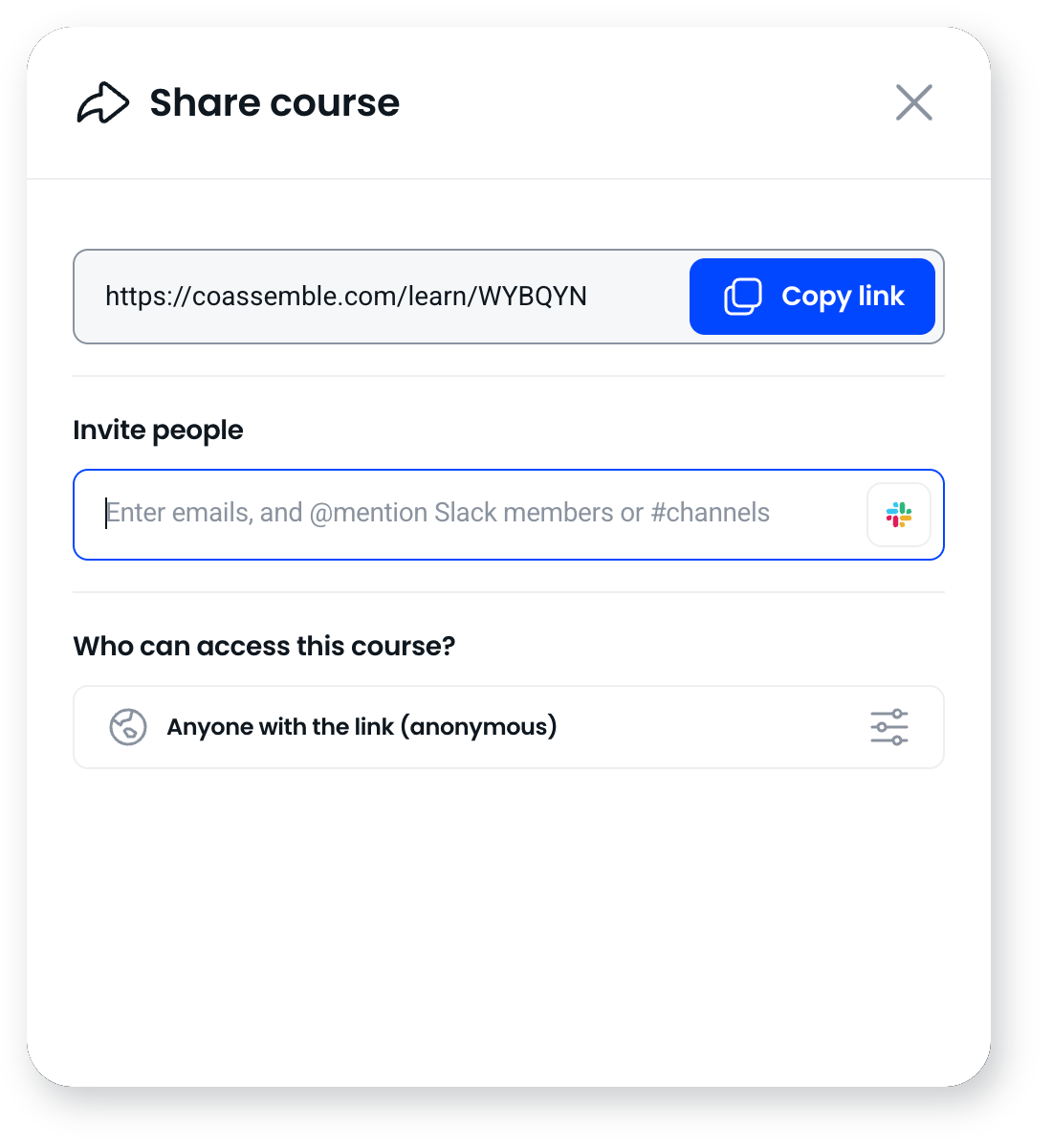
Control who gets access
When you share, you choose the access level: anyone with the link, only people you invite, or require people to enter an email so you can see who completed what.
Frequently asked questions
Do I need to publish before sharing?
Yes. Publishing makes your latest changes live. Edits stay in your draft until you publish, so share once you've published.
What's the quickest way to share a course?
A course link. Copy it from the Share dialog and send it anywhere, and the recipient opens it in any browser with no login.
Can I deliver courses inside my own product?
Yes. Use the API and embeddable components to deliver courses natively in your own platform, at course level or screen level.
Can I ask an AI assistant to share a course for me?
Yes, if you've connected one over MCP. Publishing and getting a share link are among the tools available to it.