Getting started FAQ
The questions people ask most in their first week with Coassemble.
A few questions come up a lot when people are getting started. Here are the answers.
How do I get access to Coassemble?
Go to coassemble.com and select Get started. Fill in the short form, using a work email address, and your free Sandbox is set up automatically, with an Access sandbox button on the confirmation screen.
A Sandbox is a test account with an evaluation budget rather than a recurring allowance, so you can build a working course or integration and prove it out before any commercial conversation. No credit card is required.
How do I get help building my first course?
The AI agent is in the builder with you. Ask it in plain language for what you want, whether that's a whole course, one section, a single screen or one block, and it makes the change. Its Review tab gives you feedback on the course you've built, covering instructional quality, engagement and accessibility, with each finding linked to the screen it refers to.
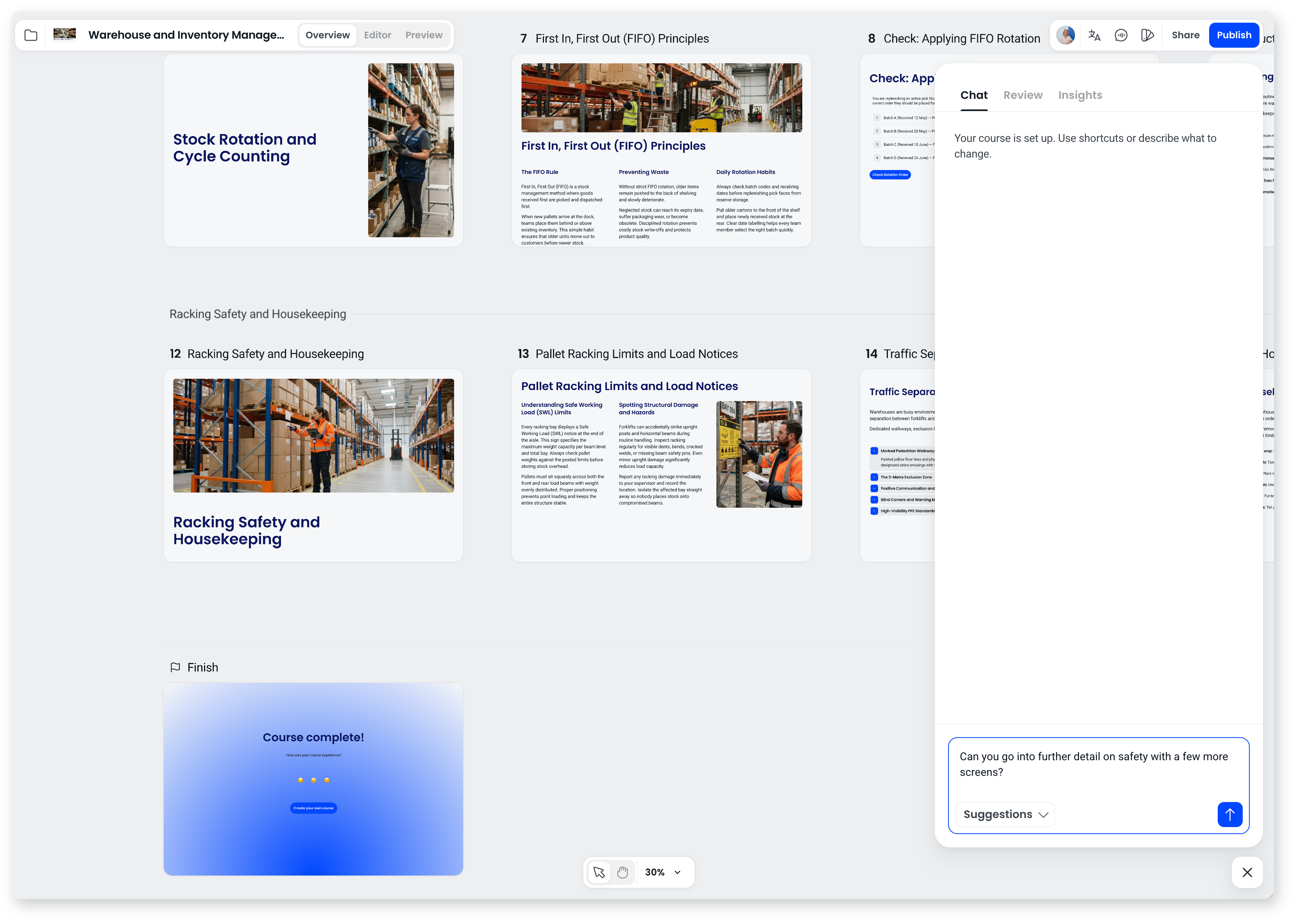
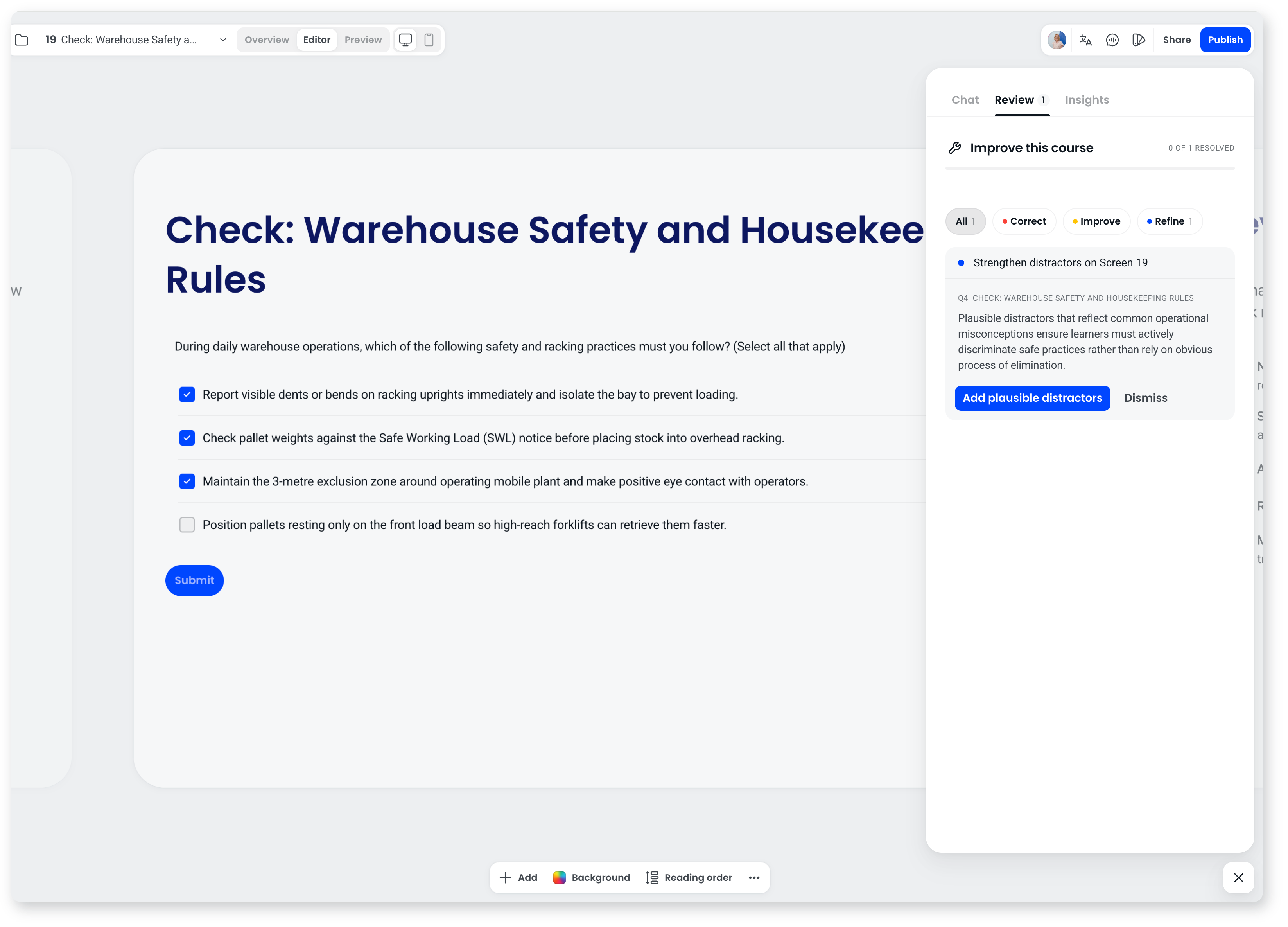
This knowledge base covers the rest, and if you're working through an integration or have more technical needs, the team can help.
Can you build custom features for our needs?
Customer feedback genuinely shapes the roadmap, so we always want to hear what would help. We can't promise specific requests, but if you have specific requirements, get in touch and we'll talk through the options.
Do I need design or technical skills to get started?
No. Every screen starts from a layout and the grid keeps spacing and alignment consistent, so courses look designed without you doing design work. The agent handles structure and wording if you want it to. For embedding through the API, the team can guide you through the integration.